

DJI Neo 2 Drone Tracking A Vehicle with ActiveTrack
Check out the Best Deals on Amazon for DJI Drones today!
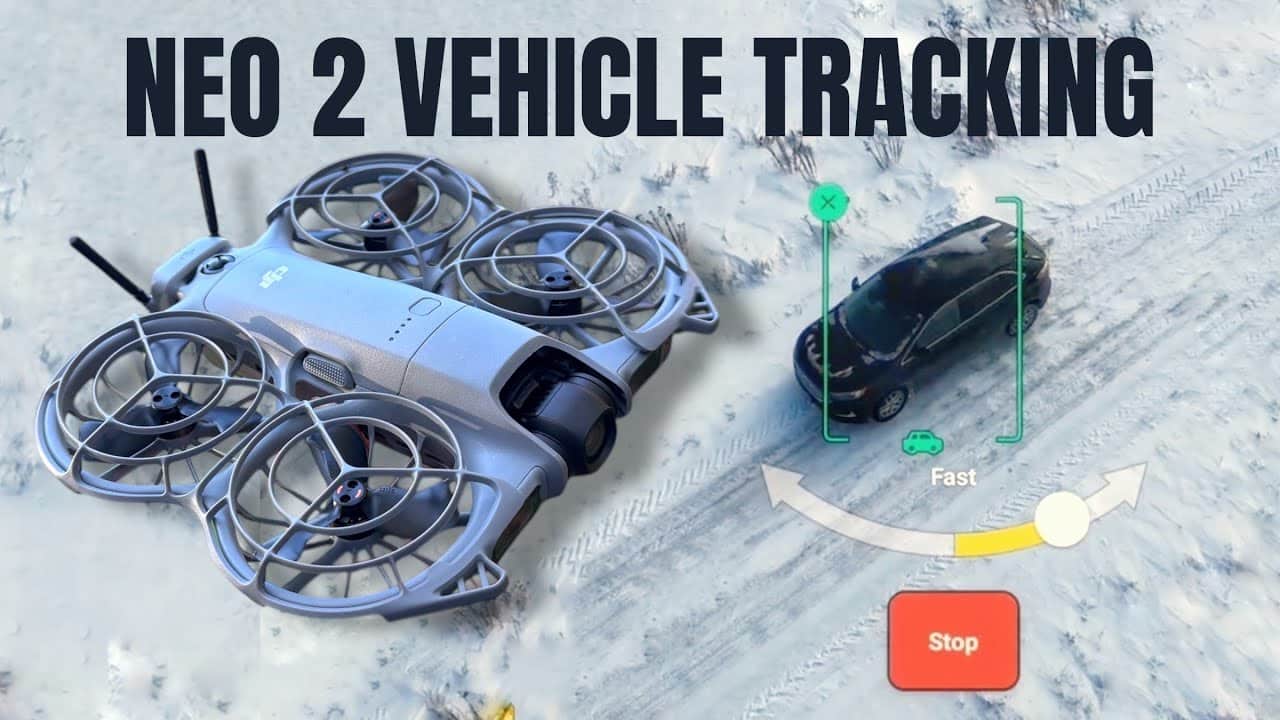
Good day folks. Shawn here from Air Photography. I’ve been getting questions about whether the DJI Neo 2 can track vehicles, and the answer is yes, but there’s a catch most people don’t realize.
The Neo 2 is fantastic at tracking people autonomously using just your smartphone. But if you want to follow yourself in a car, truck, or any vehicle, you need to connect it to a standard controller. When flying autonomously or with your phone, the drone isn’t designed to follow objects, only people.
So if vehicle tracking is important to your workflow, you’ll need to pair the Neo 2 with a controller like the RC2 or RCN3. That’s exactly what I’m demonstrating in today’s test.
Why You Need a Controller for Vehicle Tracking
When you connect the DJI Neo 2 to a controller, you unlock full Focus Track capabilities. This includes ActiveTrack, Point of Interest, and Spotlight, the same tools available on higher-end DJI drones like the Mavic 3 Series and Air 3.
With these tools, you can lock onto vehicles, objects, or anything else and have the drone follow automatically. It’s a significant upgrade over smartphone-only operation.
| Feature | Smartphone Only | With Controller (RC2/RCN3) |
|---|---|---|
| Track People | Yes | Yes |
| Track Vehicles/Objects | No | Yes |
| Focus Track Access | Limited | Full (ActiveTrack, POI, Spotlight) |
| Max Tracking Speed | 27 mph (12 m/s) | 40 mph (18 m/s) |
Testing DJI Neo 2 ActiveTrack on My Car
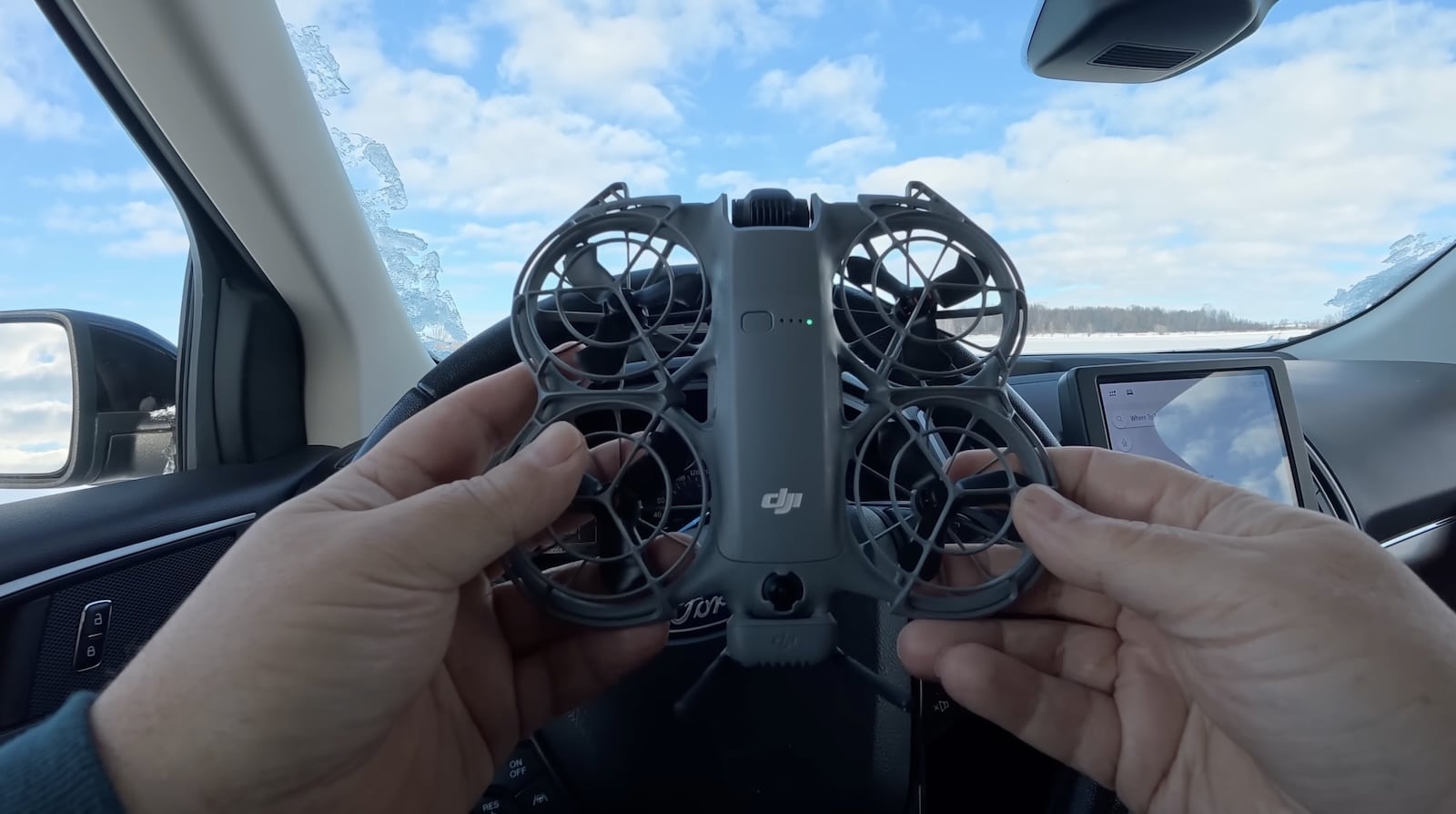
For this test, I put the drone up and positioned it behind my car. The process is simple: just draw a box around the vehicle on your controller screen.
Instantly, the Neo 2 locked on using Focus Track. From there, I selected ActiveTrack, and the drone was ready to follow.
I started driving, and the Neo 2 followed without any issue. It was a bit breezy and quite chilly out, but the drone handled conditions well.
I was traveling at about 19-22 mph (30-35 km/h), and the Neo 2 kept up smoothly. The tracking was stable, and the footage looked great.
Important Limitations to Know
While using ActiveTrack with a controller, you do have obstacle avoidance working. But it’s important to understand its limitations.
The Neo 2’s obstacle sensors can’t detect small branches, wires, or thin obstacles. So you have to be careful about your environment when tracking at speed.
The drone can track you at a maximum speed of 40 mph (18 m/s) when using ActiveTrack with a controller. For some people, that might be limiting if you’re doing highway speeds, but for most real-world scenarios, it’s more than enough.
Getting Creative with Vehicle Shots
Following from behind is just the basic approach. You can get much more creative with the controller.
You can reposition the drone to follow from different directions, have it orbit around the vehicle using Point of Interest, or use Spotlight mode to keep the car locked in frame while you manually fly the drone for more cinematic movements.
These are the same techniques I’ve covered before with the original Neo’s Focus Track capabilities, but the Neo 2’s improved obstacle avoidance and faster tracking speed make it even more capable.
For my test, I kept it simple and stayed behind since there were a lot of trees along the road. I picked a route I thought would have minimal traffic, but of course, someone showed up. The road also had no winter maintenance, so I had to be mindful of snow depth.
Bottom Line: Controller Required for Vehicle Tracking
If you bought the Neo 2 primarily to track yourself in a vehicle, you’ll need to factor in the cost of a controller. The drone alone won’t do it.
But once you have that controller connected, the Neo 2 becomes incredibly capable. Full Focus Track access, 40 mph (18 m/s) maximum tracking speed, and all the creative tools you need to capture professional-looking vehicle footage.
For more Neo 2 content, check out my comparison between the Neo 2 and the original Neo, and my real-world battery and speed test while tracking on an e-bike.
Hopefully you enjoyed this video and found it had value. Thanks a lot for watching, and we’ll see you in the next one.
Check out Shawn’s video above and subscribe to Air Photography on YouTube for more drone tutorials.
Discover more from DroneXL.co
Subscribe to get the latest posts sent to your email.
Check out our Classic Line of T-Shirts, Polos, Hoodies and more in our new store today!
MAKE YOUR VOICE HEARD
Proposed legislation threatens your ability to use drones for fun, work, and safety. The Drone Advocacy Alliance is fighting to ensure your voice is heard in these critical policy discussions.Join us and tell your elected officials to protect your right to fly.

Get your Part 107 Certificate
Pass the Part 107 test and take to the skies with the Pilot Institute. We have helped thousands of people become airplane and commercial drone pilots. Our courses are designed by industry experts to help you pass FAA tests and achieve your dreams.

Copyright © DroneXL.co 2026. All rights reserved. The content, images, and intellectual property on this website are protected by copyright law. Reproduction or distribution of any material without prior written permission from DroneXL.co is strictly prohibited. For permissions and inquiries, please contact us first. DroneXL.co is a proud partner of the Drone Advocacy Alliance. Be sure to check out DroneXL's sister site, EVXL.co, for all the latest news on electric vehicles.
FTC: DroneXL.co is an Amazon Associate and uses affiliate links that can generate income from qualifying purchases. We do not sell, share, rent out, or spam your email.

