

DJI Mavic Air 2 bracketing – 48MP DNG (RAW), JPG and HDR files to download

Check out the Best Deals on Amazon for DJI Drones today!
Some of our readers have asked me about bracketing with the DJI Mavic Air 2. So, earlier today, I went out to shoot a few 48MP stills in DNG (RAW) and JPG format for you to play around with in Photoshop, Aurora HDR, or Affinity Photo. Here are the files that were shot around noon today of the Hudson River. Over the next few days, I will add more files of different subjects and lighting conditions to that same folder.
DJI Mavic Air 2 bracketing
Bracketing photos with different EV settings allows you to get the most out of your highlights and shadows. You purposely underexpose and overexpose a number of photos of the same scenery so that you can later combine these in the photo editor of your choice to get the most out of the image. This technique can be very useful in photos where you have very dark and very bright areas. It also allows you to create HDR photos, although if you’re not careful, your stills can easily end up looking very extreme. You can also use bracketing to improve details, sharpness, and reduce noise.

After carefully aligning each photo in Photoshop, you create an HDR photo that allows you much more control over the final image.
The photos, I took today, have EV settings from -1.3, -0.7, 0, +0.7, +1.3. Both DNG and JPS are included. Here are set 1 and set 2, Set 3.
Since only very few people currently have access to the DJI Mavic Air 2, I have uploaded a number of these photos to my Google Drive. Feel free to download them for your own personal use so that you can get a feel for what the DJI Mavic Air 2 can do. Bracketing shots with a drone can be tricky as a little wind can make the drone move, which could result in unsharp photos. Eventhough there was little wind over the river today, I suspect that I can create sharper photos is more ideal situations.
Update: the first two sets of photos show movement from shot to shot as it takes a good two seconds for the drone to capture 48MP photos. The third shot was AB at 12MP DNG. In that set, you will notice less movement, but of course no the resolution is limited to ‘only’ 12MP. So, theoretically, you could do 48MP HDR photos with manual bracketing BUT it would have to be under perfect (no wind) flying conditions as each photo will take about 2 seconds.

HDR example in Affinity Photo.

HDR example in Aurora HDR 2018.
I’m curious to hear what you think about the photo quality of the DJI Mavic Air 2 and how much leeway you have when manipulating these RAW files. Let me know what you think in the comments below.

Discover more from DroneXL.co
Subscribe to get the latest posts sent to your email.
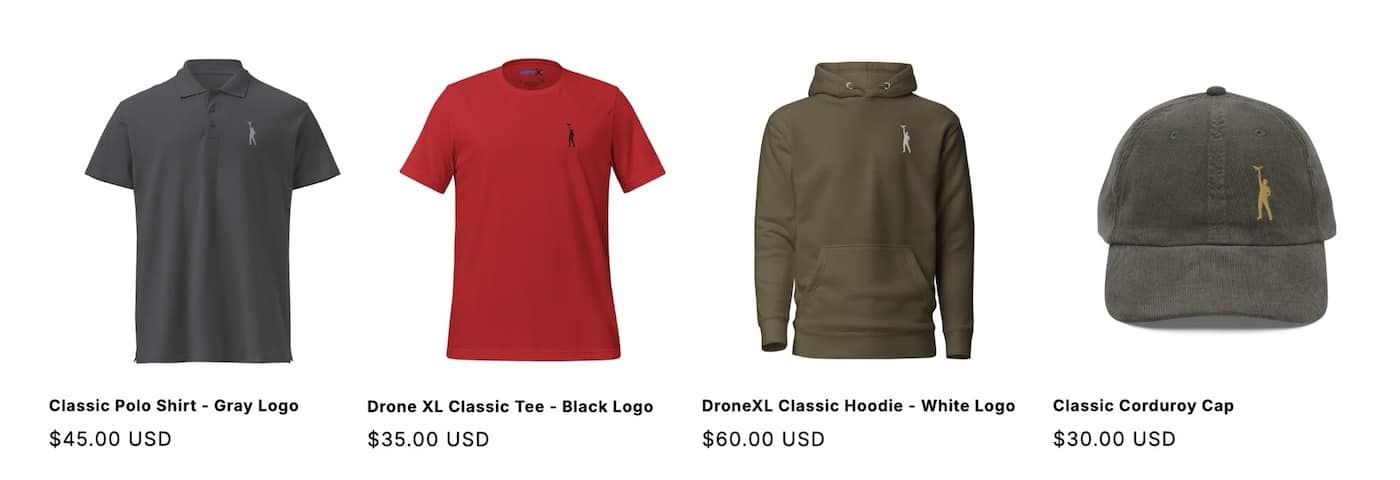
Check out our Classic Line of T-Shirts, Polos, Hoodies and more in our new store today!
MAKE YOUR VOICE HEARD
Proposed legislation threatens your ability to use drones for fun, work, and safety. The Drone Advocacy Alliance is fighting to ensure your voice is heard in these critical policy discussions.Join us and tell your elected officials to protect your right to fly.

Get your Part 107 Certificate
Pass the Part 107 test and take to the skies with the Pilot Institute. We have helped thousands of people become airplane and commercial drone pilots. Our courses are designed by industry experts to help you pass FAA tests and achieve your dreams.

Copyright © DroneXL.co 2026. All rights reserved. The content, images, and intellectual property on this website are protected by copyright law. Reproduction or distribution of any material without prior written permission from DroneXL.co is strictly prohibited. For permissions and inquiries, please contact us first. DroneXL.co is a proud partner of the Drone Advocacy Alliance. Be sure to check out DroneXL's sister site, EVXL.co, for all the latest news on electric vehicles.
FTC: DroneXL.co is an Amazon Associate and uses affiliate links that can generate income from qualifying purchases. We do not sell, share, rent out, or spam your email.

