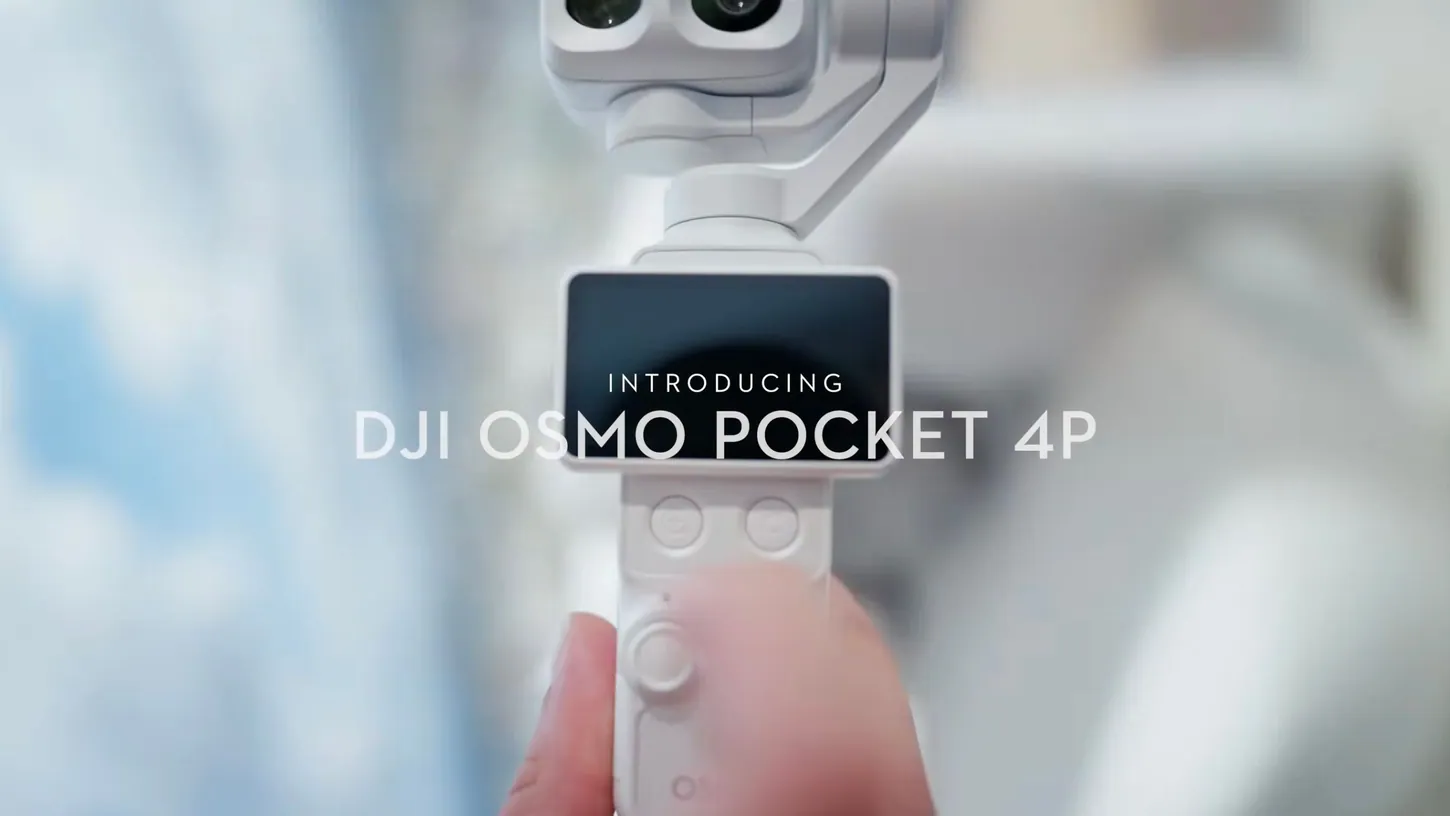
DJI released Mimo v2.11.2 on August 4 with a feature that sounds small and changes everything about how the Osmo Pocket 4P fits into a working day: automatic file transfer. Power the camera off, and it silently sends your photos and videos to your smartphone on its own, no cables, no taps, no transfer screen. The update also brings 4K Live Photos, slow-motion Live Photo export, and shareable editing presets.
Auto Transfer Turns the Power Button Into a Workflow
The mechanics are refreshingly boring. Once the feature is set up, the Pocket 4P begins transferring media to your phone when you shut it down, working in the background while the camera sits in your bag. By the time you pull out your phone, the footage is backed up and ready to edit or send.
That timing matters more than the feature list suggests. The end of a shoot is exactly when a client asks to see something, and exactly when nobody wants to babysit a transfer menu. DJI moved the sync to the one moment when the camera has nothing better to do.
The Pocket 4P gives the feature a worthy home. The camera launched on July 30 with a 1-inch LOFIC sensor rated for 17 stops of dynamic range, a second 60mm telephoto camera, 4K recording at up to 240 frames per second, and D-Log 2 color, a launch DroneXL covered in detail, including the fact that it arrived without a US release under the current import restrictions.

The Rest of the Update Feeds the Phone-First Crowd
The remaining features aim squarely at people who shoot for their camera roll. Osmo Mobile users with an iPhone 14 or newer can now capture Live Photos in 4K Ultra HD, and clips recorded at 48 fps or higher can be exported as cinematic slow-motion Live Photos with one tap.
Preset sharing rounds out the list. Users can generate a share code for their custom editing presets, and anyone who receives the code applies the same look instantly instead of rebuilding settings by hand. It is a small social feature with an obvious endgame: looks that spread from creator to creator keep everyone inside the Mimo app.

None of it is dramatic. All of it removes friction, and that is the theme of this release.
The Real Question Is Why This Took Until 2026
My first reaction to this update was not excitement about the D-Log tools or the slow motion. It was a question that every working shooter will recognize: why did automatic sync not exist years ago?
Getting footage off a camera quickly is a daily pain for everyone who flies drones or runs action cameras for a living. I shoot jobs knowing the high-bitrate files are staying on the card for the edit bay, and that is fine. But clients want samples now, not after dinner. The gap between “I got the shot” and “here is the shot” is where a working shooter loses time every single day, and manual transfer menus have guarded that gap for a decade.
DJI’s drones technically have QuickTransfer, and anyone who uses it knows the ritual: power the drone into the right state, wait for the connection to feel like cooperating, hope the app agrees. It works, and it also asks for attention at the exact moment you are packing gear, managing a client, or watching the light change.
That is why this Pocket 4P feature reads bigger than a camera app update. It is proof the invisible version is possible, the one where the transfer happens because the shoot ended and for no other reason. Now I want the obvious next step: my drone starting its sync the moment I stow it, so the footage lands on my phone while I fold the props. The hardware can do it. The Pocket 4P just showed the software can too.
Convenience Is the Feature Users Actually Buy
There is a product lesson sitting inside this release that half the camera industry keeps missing. You do not have to hand customers more capability every cycle. You have to make their lives easier, and this update does exactly that.
Spec sheets win comparisons. Convenience wins loyalty. A camera that quietly hands you your footage has done something no extra stop of dynamic range can match: it gave you back minutes of your day, every day, forever.
DJI has spent two years absorbing political attacks in Washington while shipping features like this one. Whatever happens with the import fights, this is the reason the company remains the default for working shooters: it keeps solving the unglamorous problems.
DroneXL’s Take
If this update shipped with nothing except automatic file transfer, it would still be worth installing. That is not a complaint about the other features. It is the highest praise I can give a software release.
Applause for the DJI team on this one, and a request: expand it. Every camera, every drone, every microphone in the catalog that records a file should offer to hand that file over without being asked. The Osmo Pocket 4P just set the standard. Now make it the house rule.
The gods of Chinese drone engineering gave us automatic sync on a pocket camera. I will be first in line the day it reaches the aircraft.
Sources: DroneDJ, DJI Mimo on the App Store
DroneXL uses automated tools to support research and source retrieval. All reporting and editorial perspectives are by Rafael Suárez.