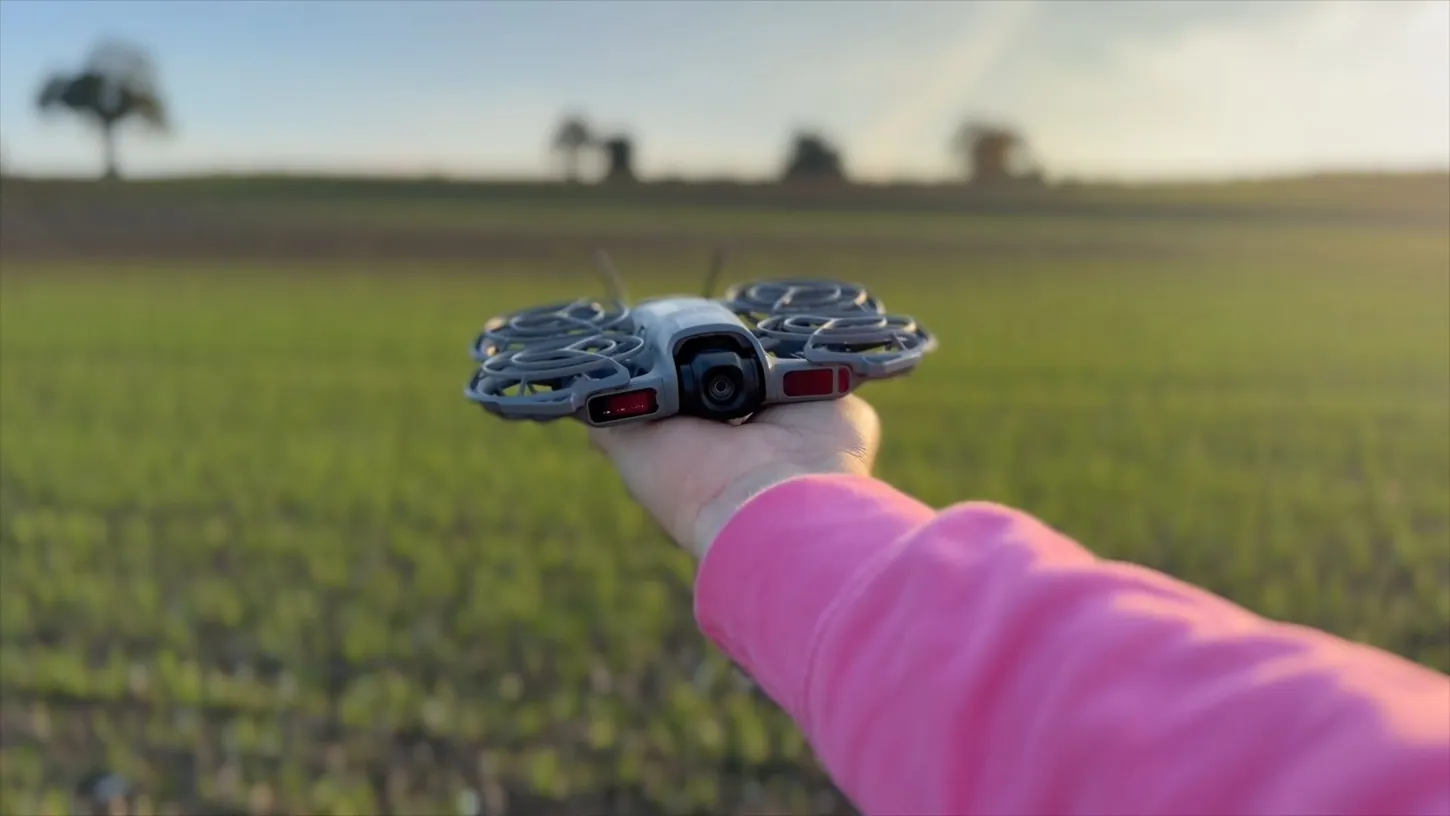
Chris Goor spent 25 years as a broadcast TV cameraman, and in a YouTube tutorial published November 3 he shows how a DJI Neo 2 launched from his palm now does the work of the crew he no longer has. When a TV shoot has some budget, he says, a Steadicam or gimbal operator follows the presenter around. Filming himself, he gives that job to the drone.
Goor runs the Brand Video Pro channel, where he coaches experts over 40 on building a personal brand on camera, and he recommends the Neo 2 as a simple drone to start with. His first rule for drone selfies is to fly lower than new owners usually do. The Neo 2 can record sound itself, and Goor still records his voice on a separate microphone.
Goor Keeps the Neo 2 Low and Times His Lines to Its Preset Moves
Goor keeps the Neo 2 low because a flat image only shows motion when the camera passes things. Fly high and nothing is close enough to pass, so the drone has to move fast to look like it is moving at all. A low, slow pass feels like travel.
The same goes for a walk-and-talk. “No one really wants to see the top of my head,” he says in the video, and a camera looking down from height frames the mud at his feet instead of the scenery behind him. He calls the floating walk-and-talk his version of a yap video, and says it took him about a year to talk naturally to a drone hovering in front of him.
For short-form video he writes the script in short lines, each sized to fit one of the Neo 2’s preset moves, such as flying away from him or a helix that circles him and reveals the countryside. A whole reel runs about 45 seconds. To join two clips he finishes a line to his main camera in a tight shot, turns, and picks up from that turn as the drone sets off on a preset.
Longer takes leave two options, Follow mode or Spotlight, which he describes as a tripod in the sky. He shoots landscape even for vertical reels, because portrait only crops the middle of the frame, and landscape lets him leave room ahead of himself when the drone follows from the side. The drone has crashed more than once and been blown around by wind, he writes in the video’s description.
Goor Syncs Separate Audio With a Clap and Cleans the Drone Noise Later
Goor skips the Neo 2’s own audio because a separate microphone, or his phone recording a throwaway reference clip, sounds better. He claps on camera, then in the edit lines up the frame where his hands meet with the spike in the audio waveform.
A hand gesture that both cameras can see does the same job. For rotor noise, his first fix is to step a few paces away from the drone. Then he plays four cleanups side by side. The DJI app removes the noise in real time, which he says gives it little time to work. He tends to use Adobe Podcast (podcast.adobe.com), which gets maybe two or three times the clip’s length to process. Final Cut Pro’s built-in voice isolation is not the cleanest by his account and audibly ramps up as his voice comes in, though it is fine under music. He thinks his new favorite will be a new Final Cut Pro plugin that runs on his computer and, he believes, makes an AI guess at his words.
DroneXL’s Take
The clap is the most useful trick in Goor’s video. When the Neo 2 launched, Jeven Dovey showed DroneXL readers how the DJI Fly app records a phone-connected mic and strips the drone noise as you talk, and for a quick clip that is still the easy route. Goor takes the slower route, with his own recording and a cleanup done afterward. I’d do the same for anything longer than a clip, because a cleanup that runs live never gets a second pass. American creators also can’t walk into a store and buy his drone. DJI never launched the Neo 2 in the United States, and the FCC’s Covered List has blocked new foreign drone authorizations since December 2025. The clap and the offline cleanup work with any camera they can buy.
Source: Chris Goor - Brand Video Pro on YouTube
DroneXL uses automated tools to support research and source retrieval. All reporting and editorial perspectives are by Haye Kesteloo. Read our editorial standards.