DJI Mavic 3 Enterprise Series Introduces 4G Enhanced Transmission
Haye Kesteloo · Editor-in-ChiefSeptember 3, 2024 · 16:09 ETUpdated September 3, 20242 min read
DroneXL may earn a commission when you buy through links on our site. As an Amazon Associate I earn from qualifying purchases.
Photo credit: DJI
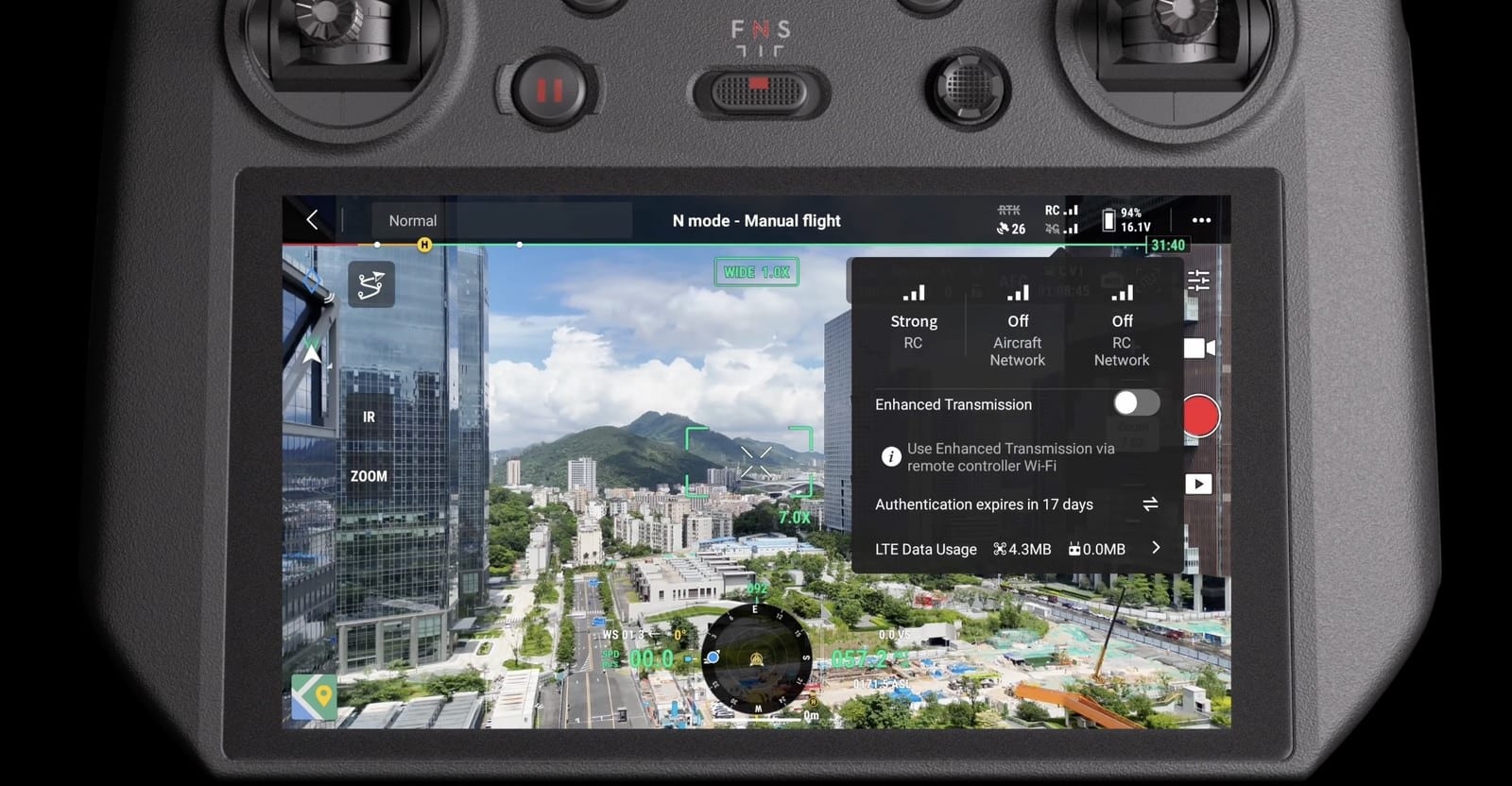
DJI has unveiled a new feature for its Mavic 3 Enterprise Series drones: 4G Enhanced Transmission. This technology combines OcuSync transmission with 4G Automatic Enhanced Video Transmission to provide more reliable connectivity for commercial drone operations. DJI Academy recently released a tutorial video detailing this new capability.
How 4G Enhanced Transmission Works
The 4G Enhanced Transmission system operates by seamlessly switching between OcuSync and 4G networks. When the OcuSync signal is strong, the 4G connection remains on standby. If OcuSync experiences interference or weakens due to distance, the system automatically activates 4G transmission to maintain the link.
“When OcuSync transmission is interfered, blocked, or weak because of long distance, 4G transmission will be automatically enabled to start the Enhanced Transmission,” the tutorial explains.
Data Usage and Hardware Requirements
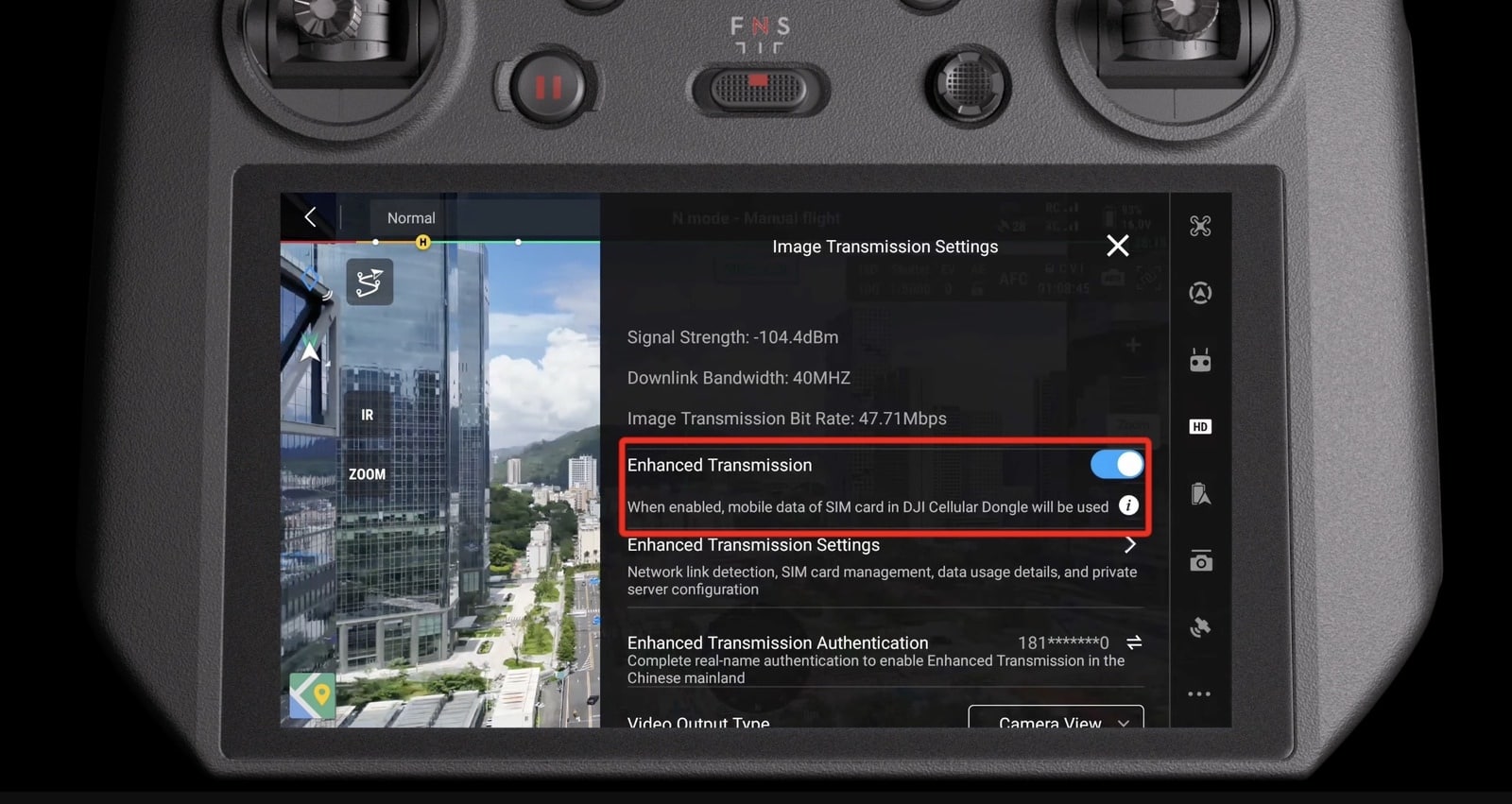
Users should be aware that 4G Enhanced Transmission will consume mobile data. DJI notes that “when fully relying on 4G transmission for transmitting data, the dongle in the drone and the dongle in the remote controller will consume a maximum of around 1 GB during a 30-minute flight separately.”
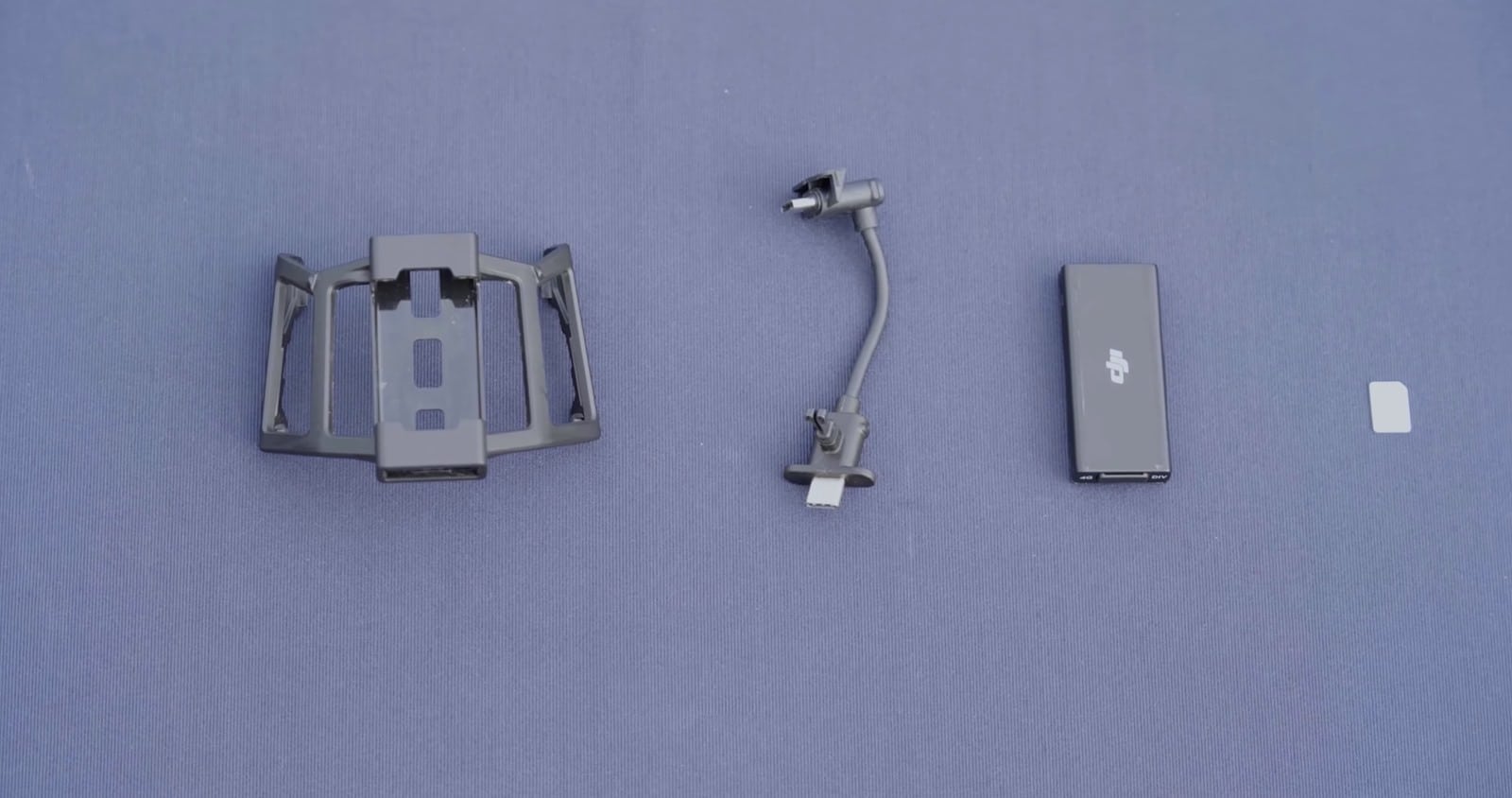
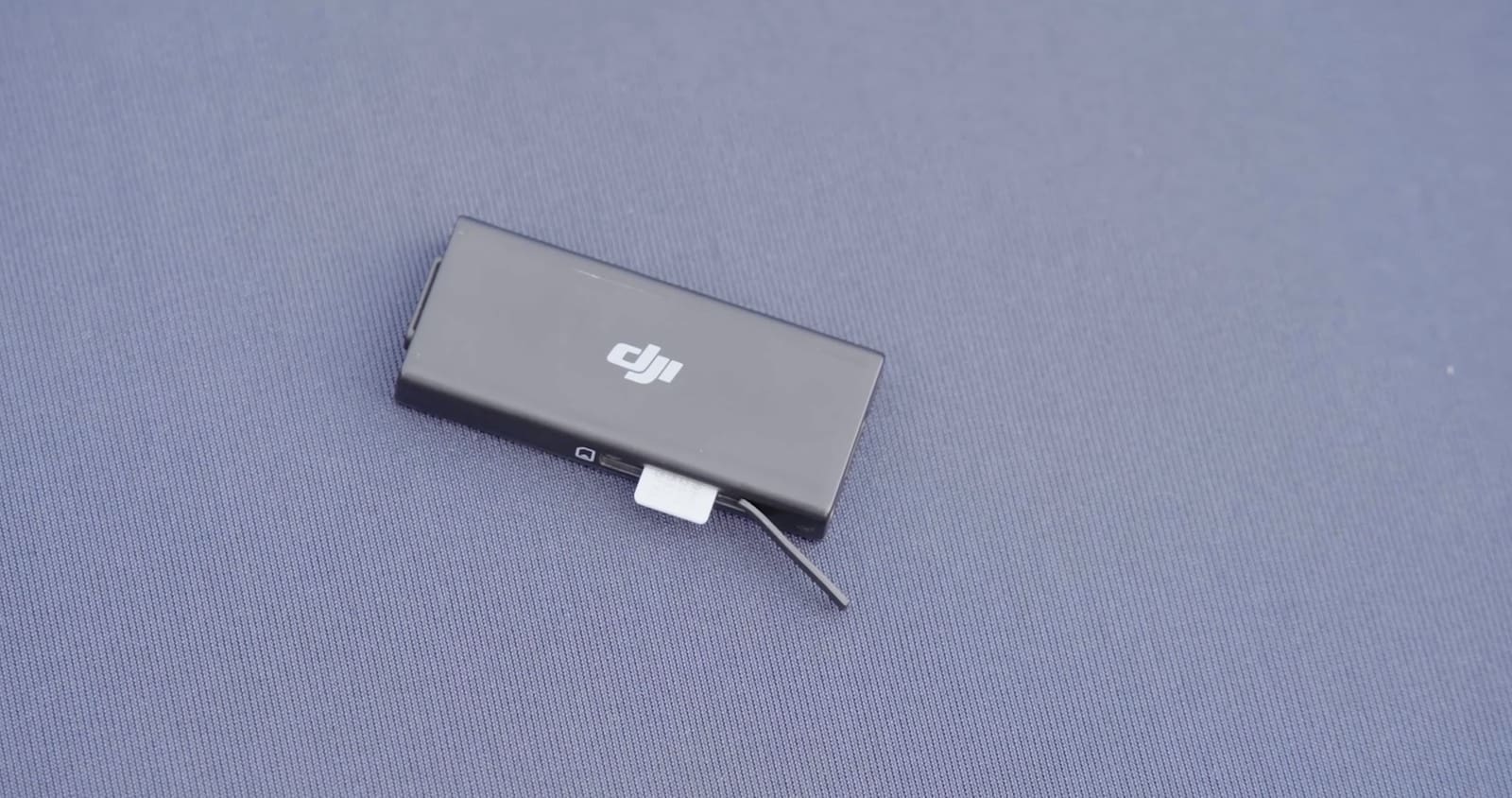
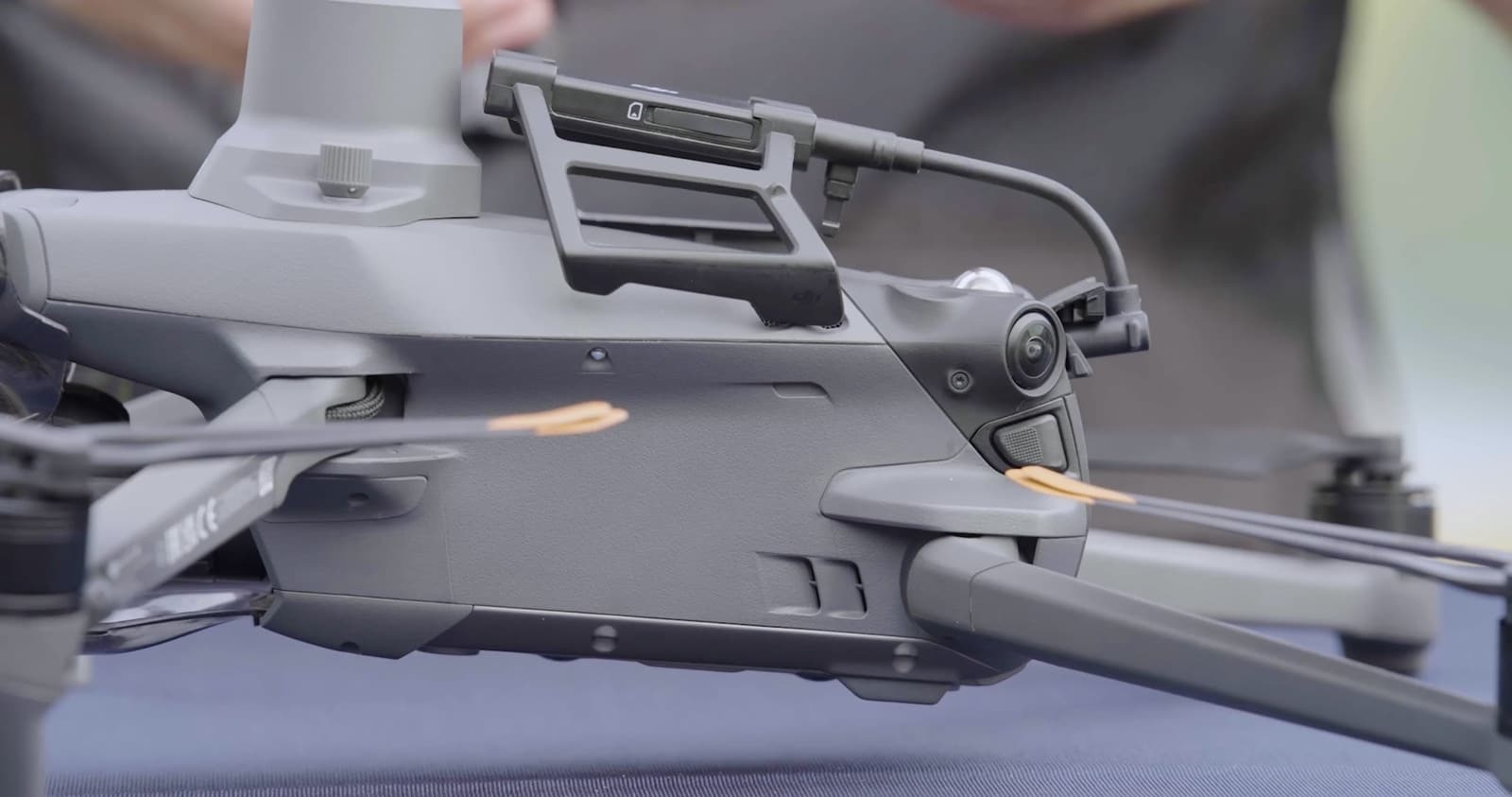
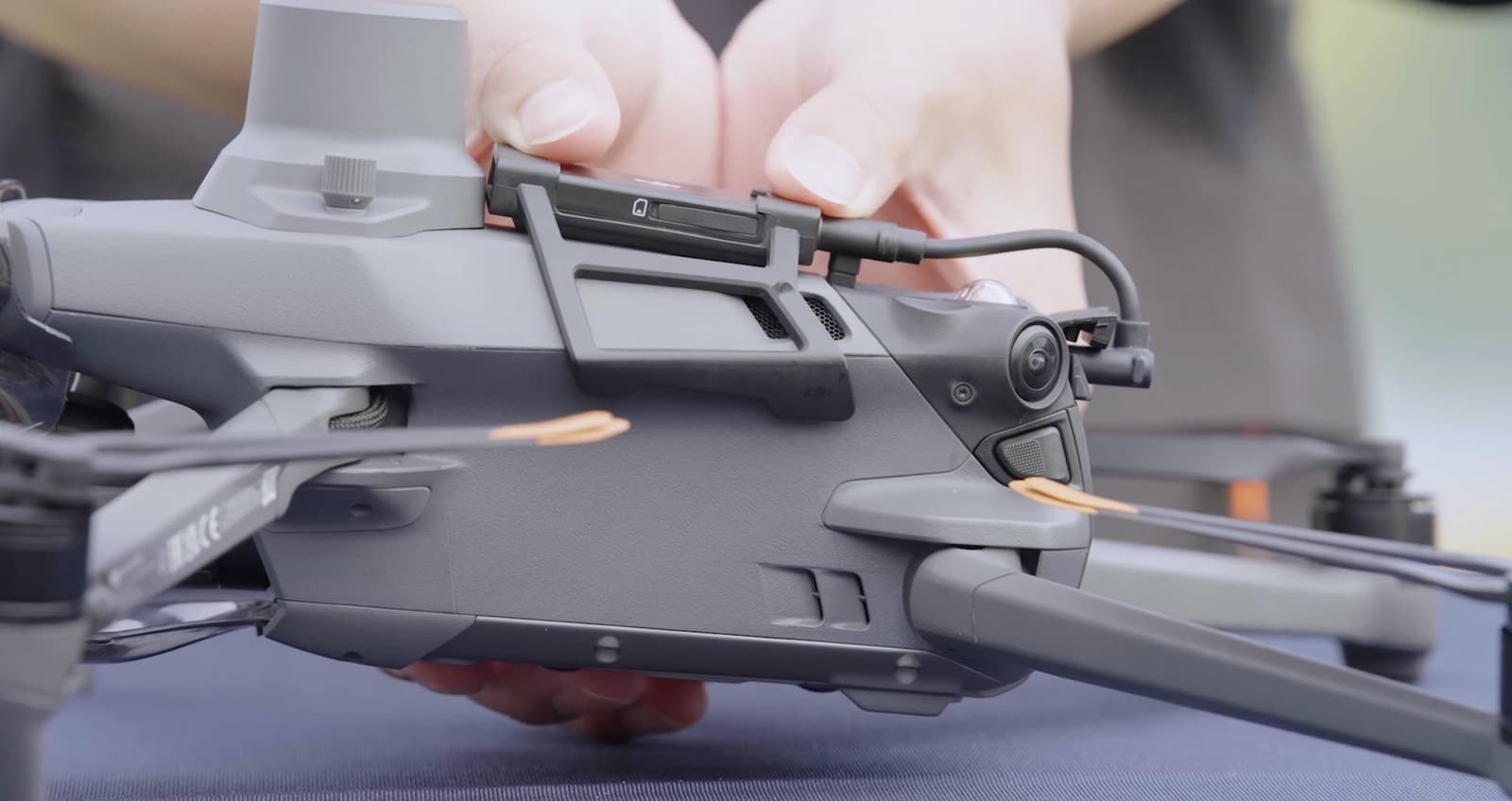
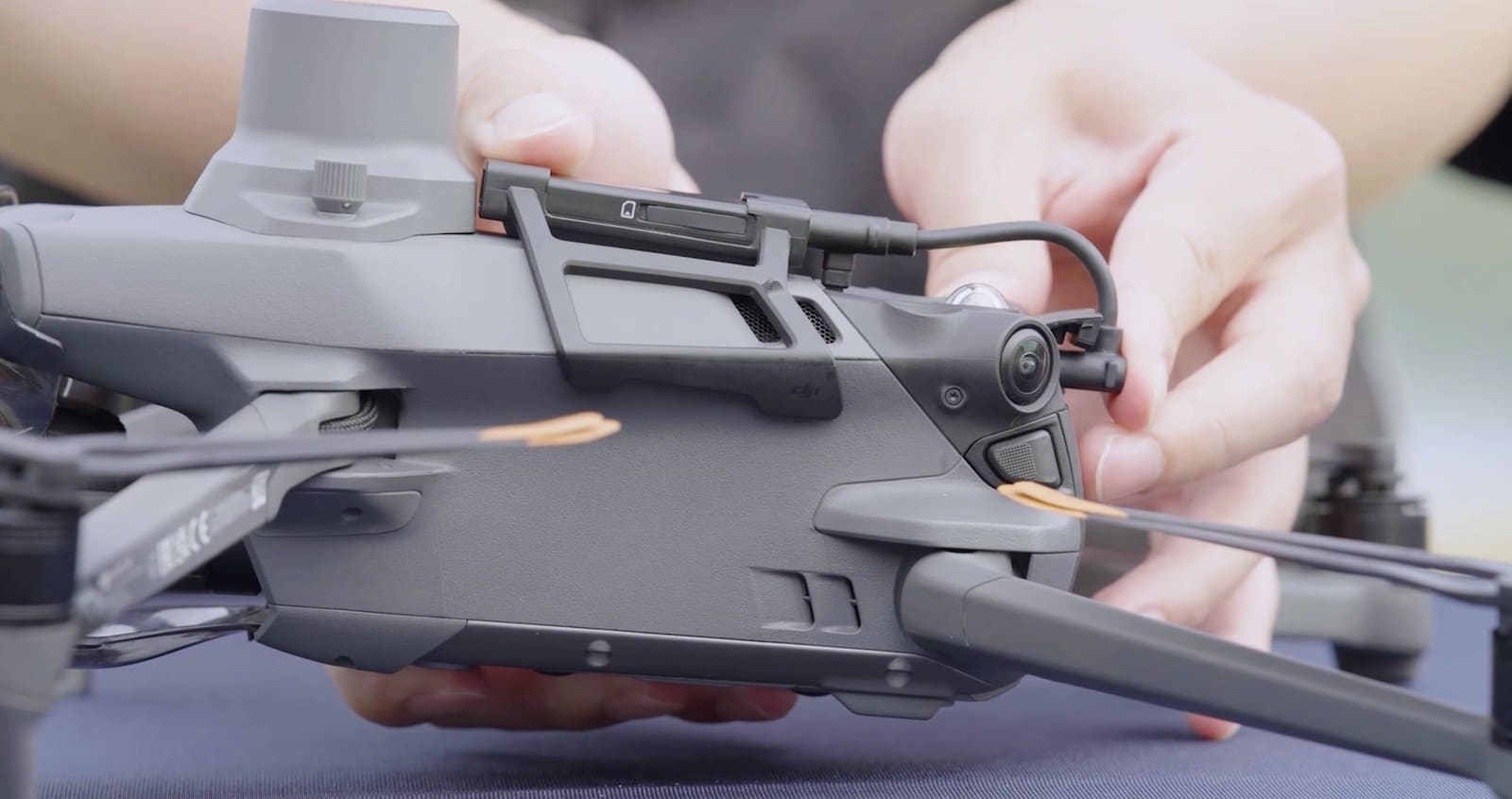
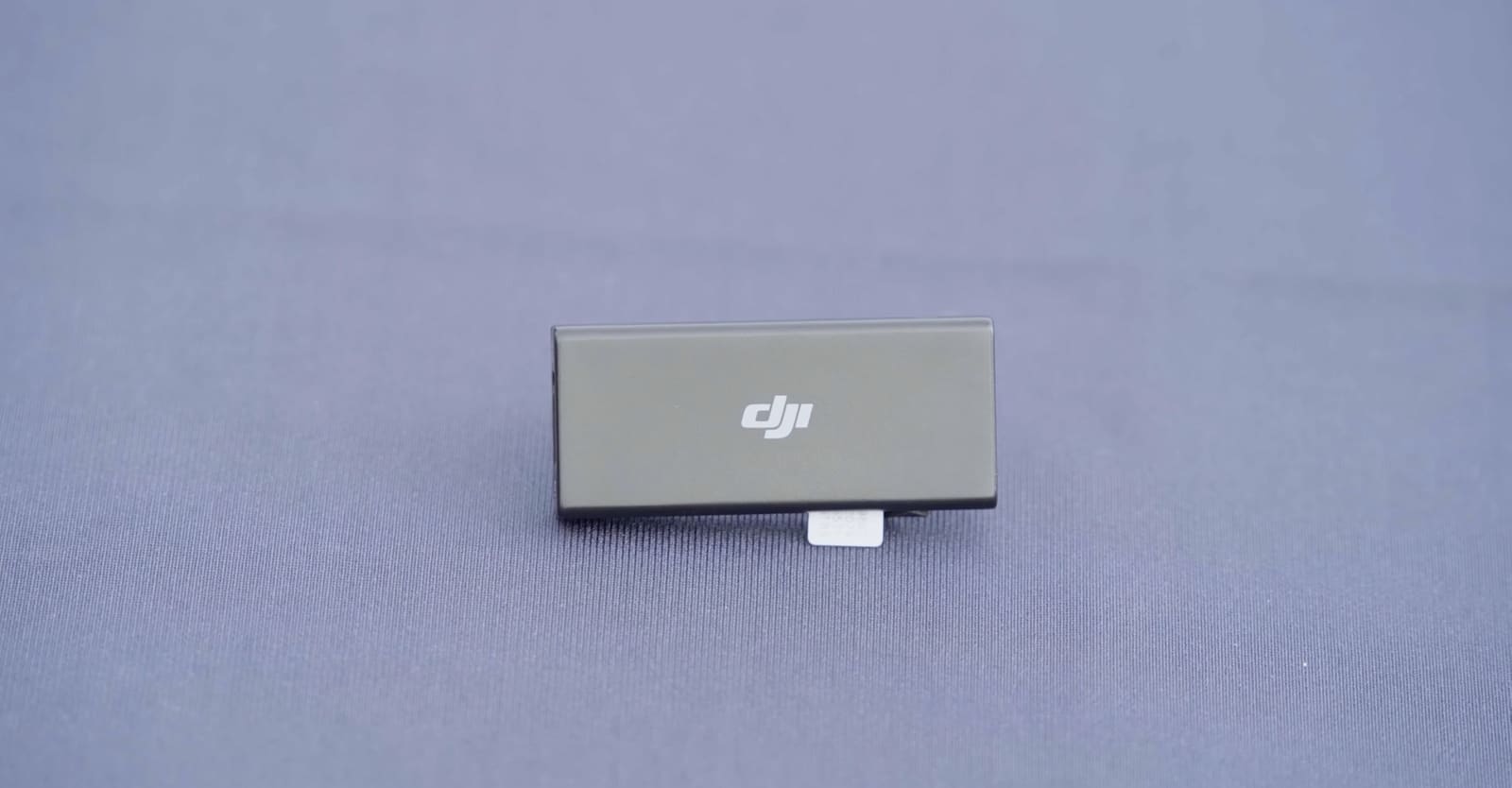
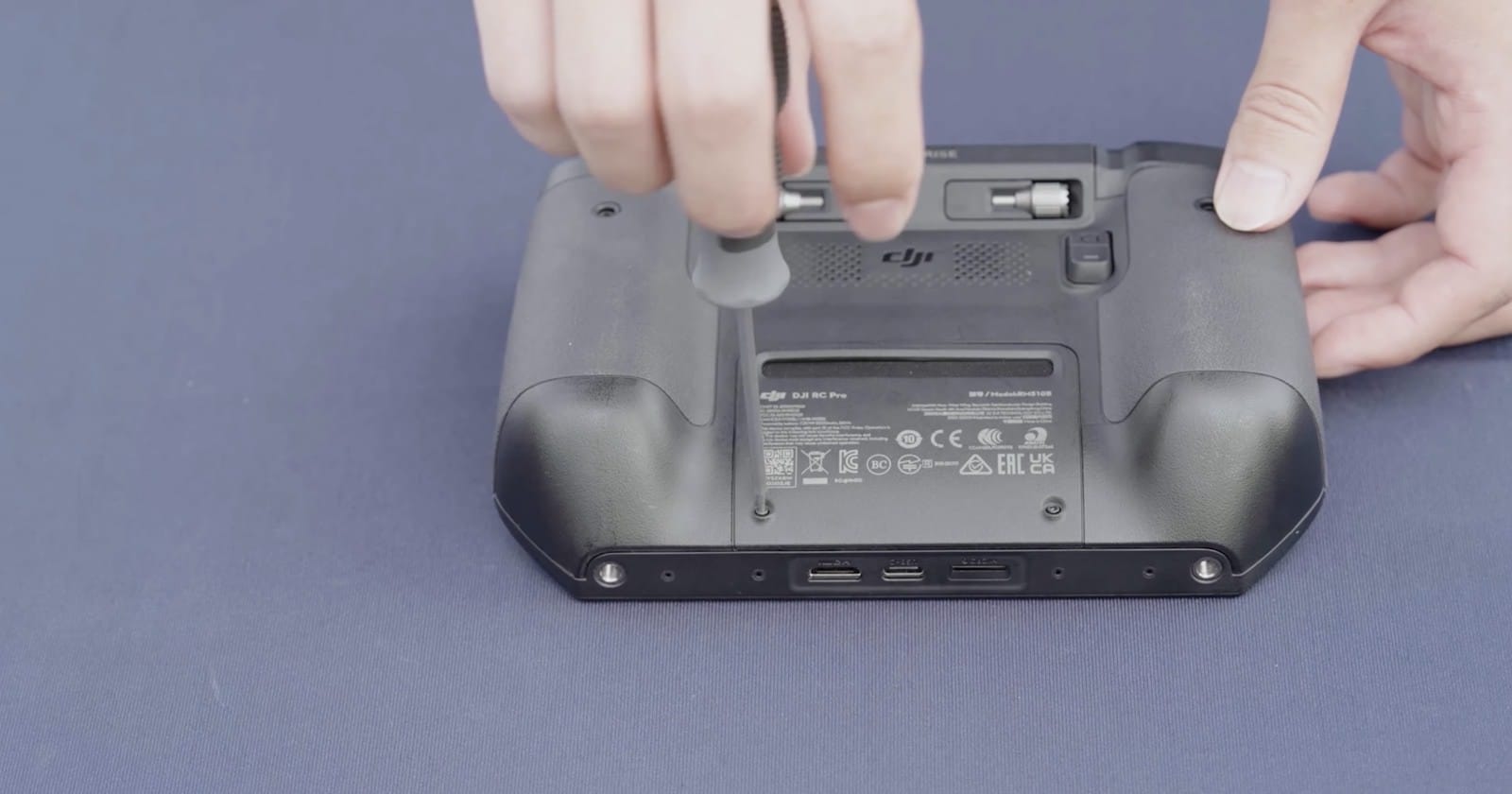
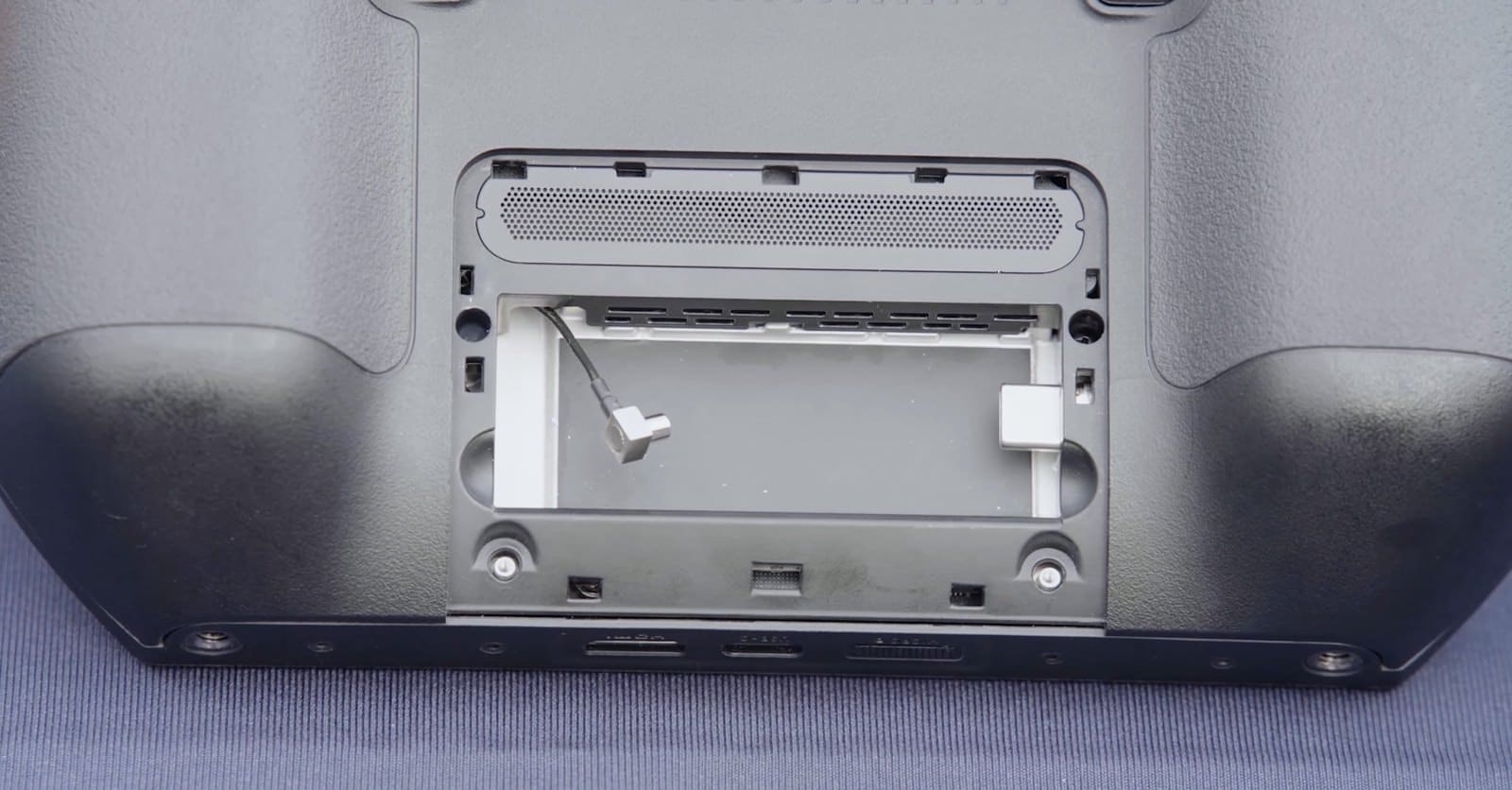
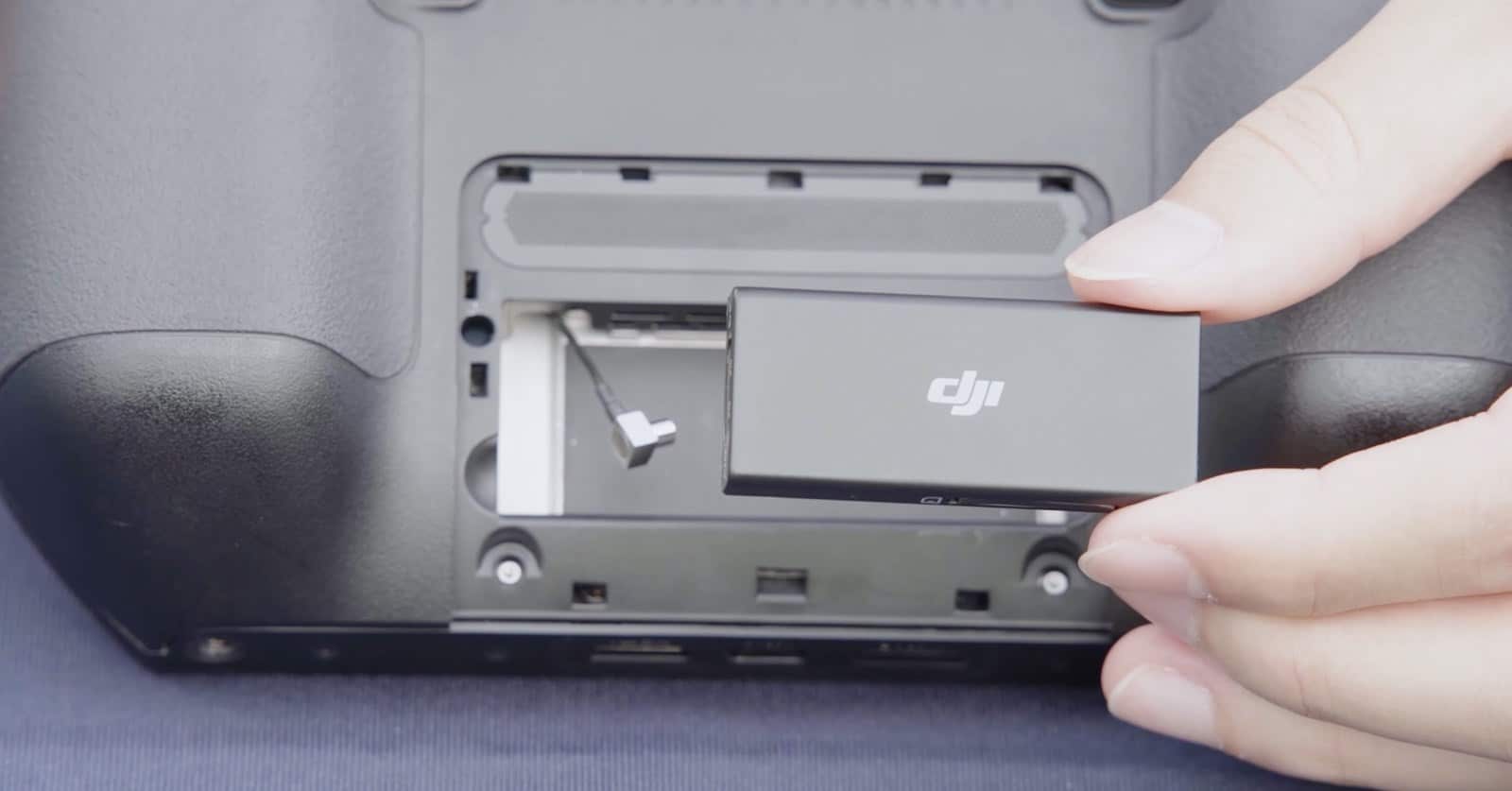
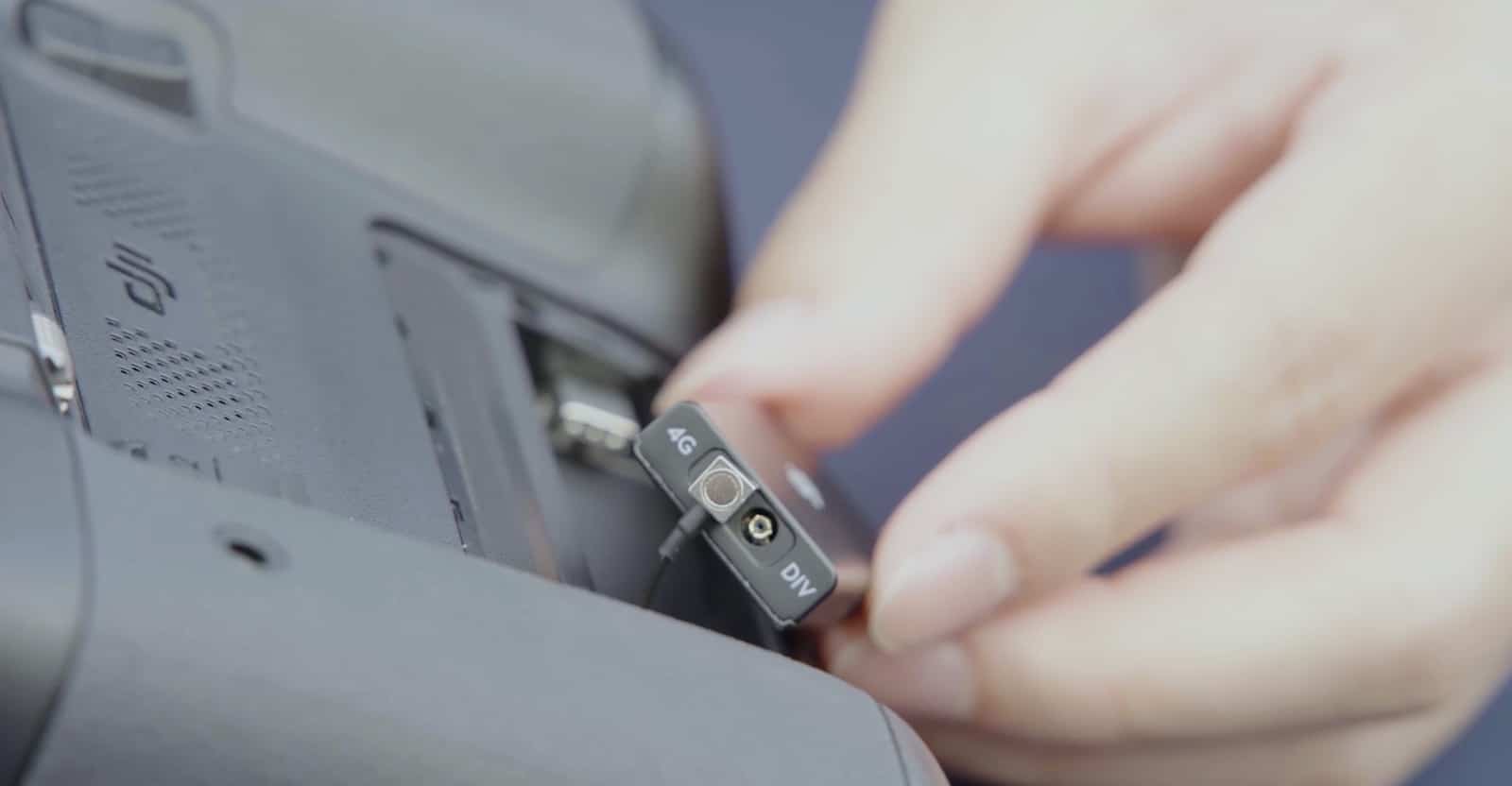
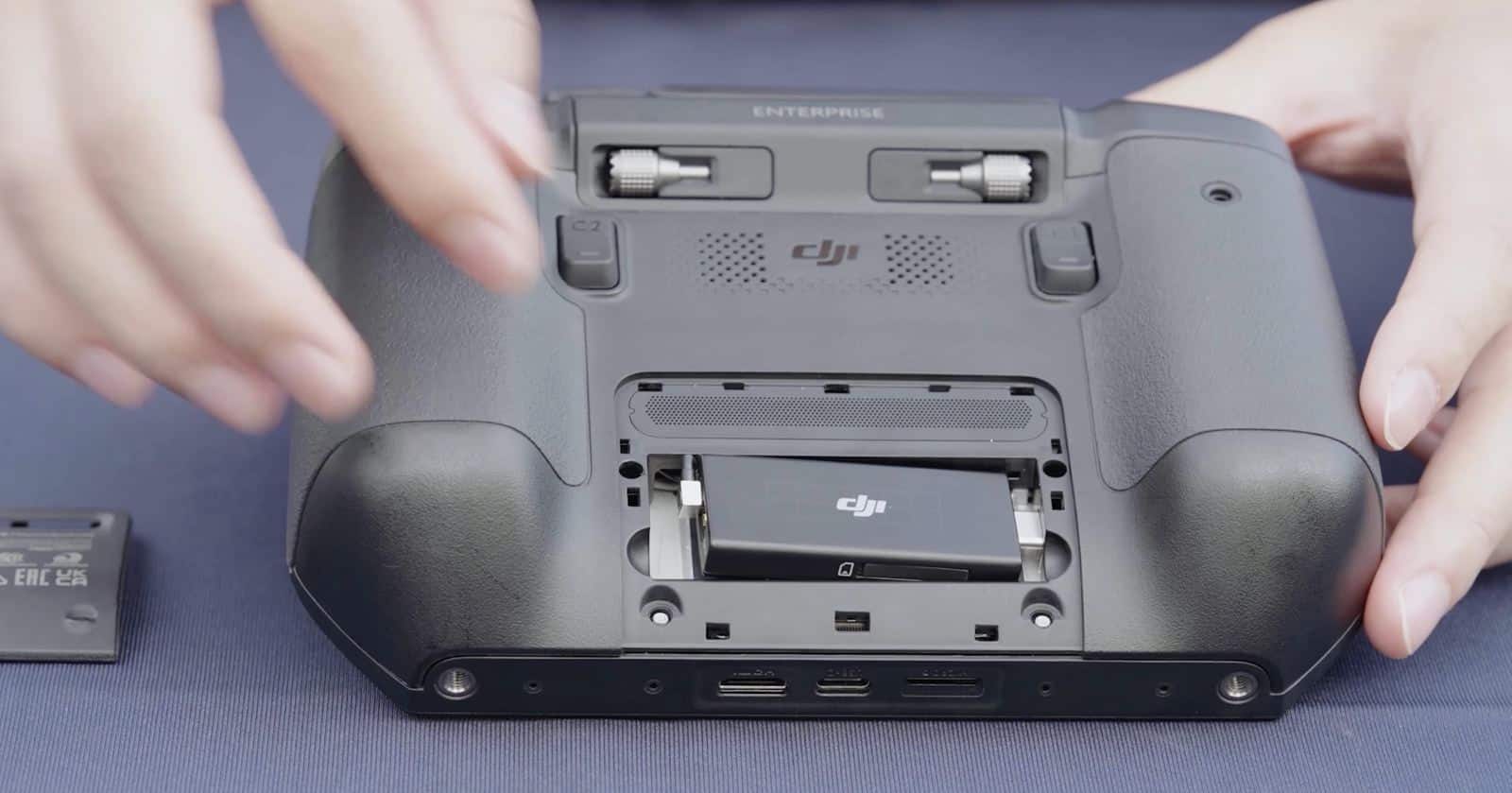
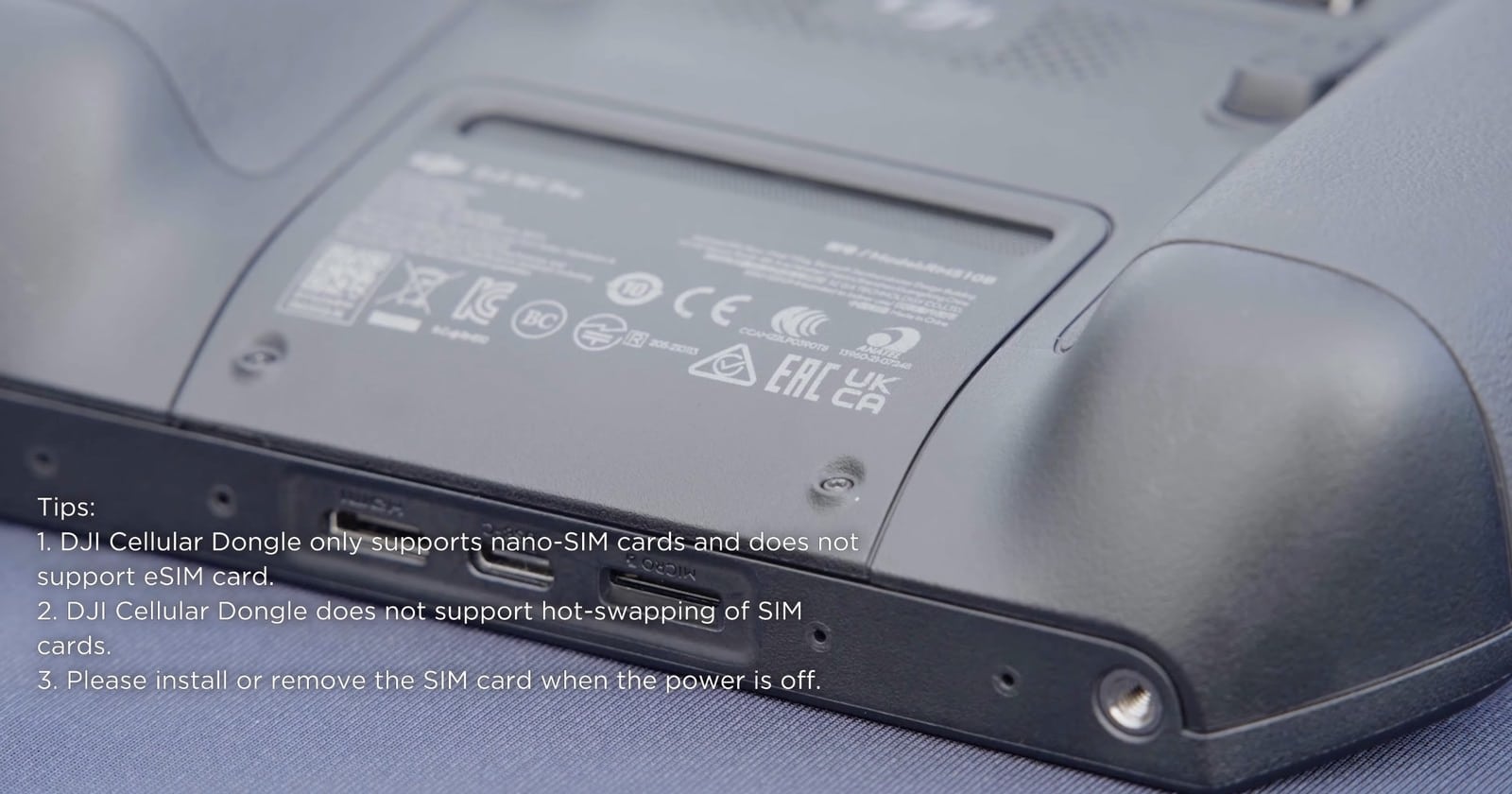
To utilize this feature, pilots need to install DJI Cellular Dongles on both the drone and the DJI RC Pro Enterprise Remote Controller. The tutorial provides step-by-step instructions for proper installation, including inserting nano-SIM cards into the dongles.
Enabling and Using Enhanced Transmission
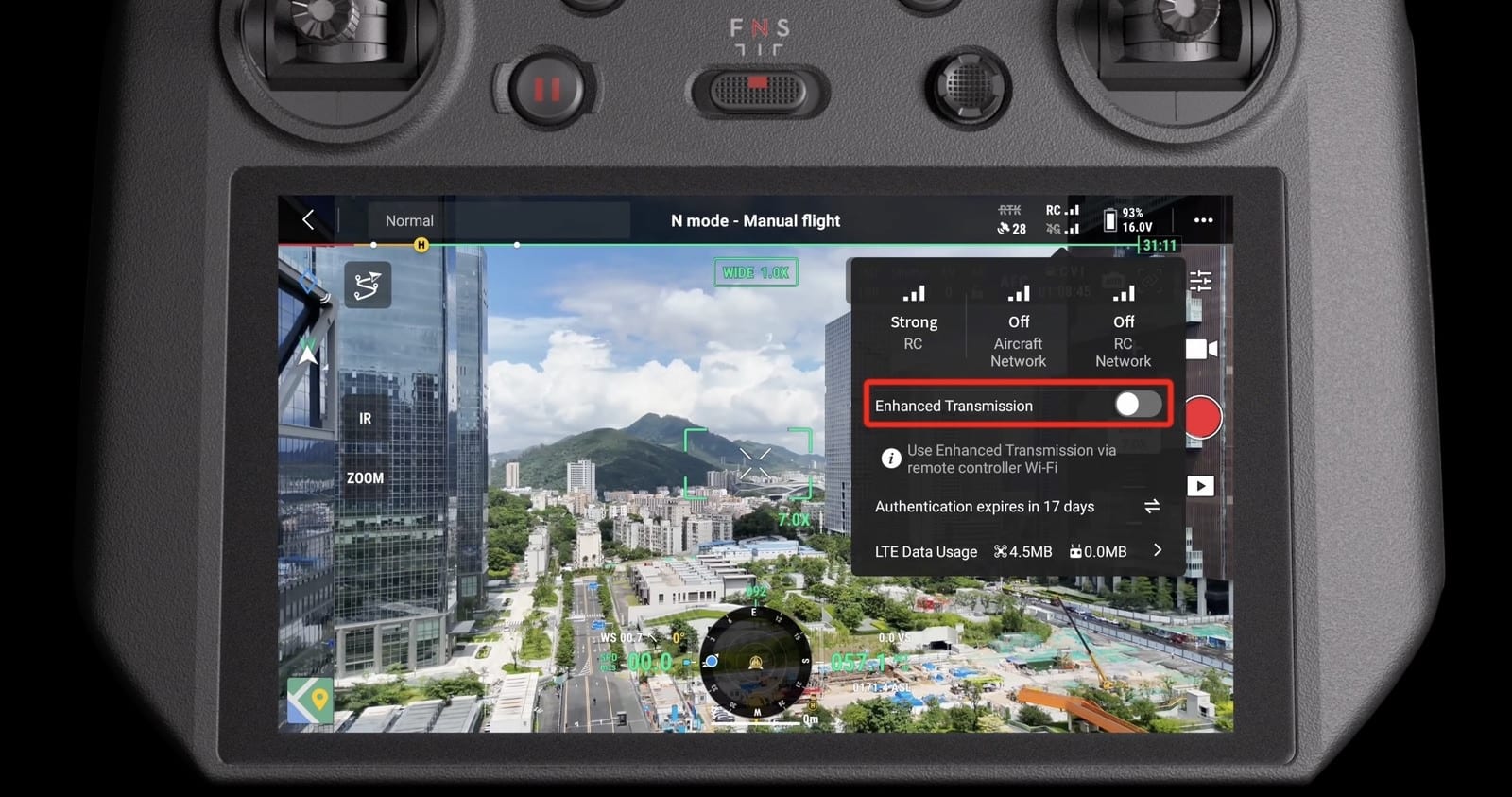
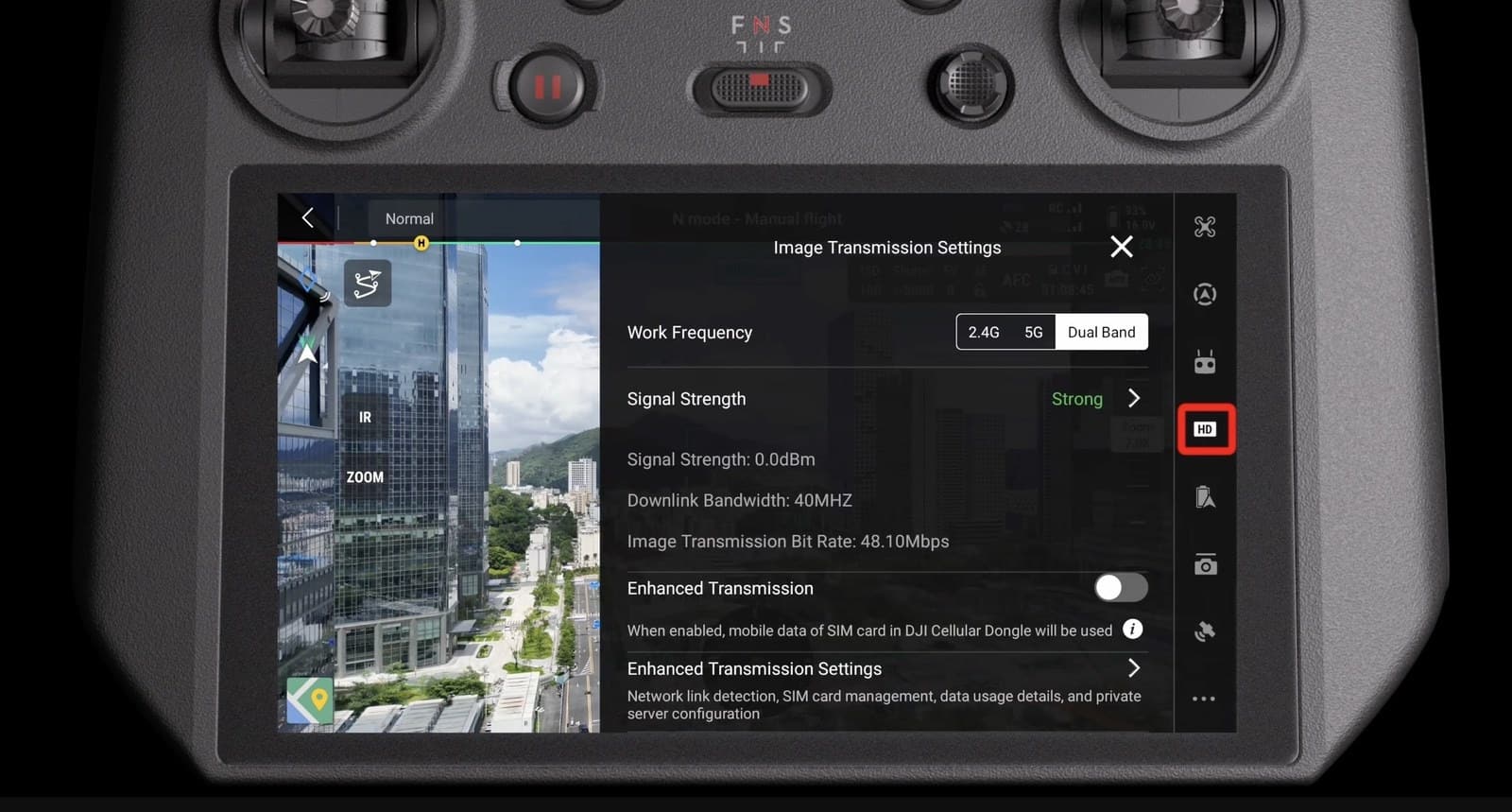
Once the hardware is set up and connected, users can enable Enhanced Transmission through the DJI Pilot 2 app. The tutorial advises, “After enabling Enhanced Transmission, make sure to pay attention to the signal strength. Fly with caution.”
Safety Considerations on DJI Mavic 3 Enterprise
DJI emphasizes several safety strategies when using 4G Enhanced Transmission:
Ensure 4G network speeds are above 5 Mbps for smooth video transmission.
Operate in areas with strong 4G signals for both the aircraft and remote controller.
Maintain appropriate altitudes, especially in urban environments with tall buildings.
Enable APAS (Advanced Pilot Assistance Systems) in restricted flight areas.
“When DJI Pilot App prompts that the 4G video transmission signal is weak, fly with caution,” the tutorial warns.
Of course, the 4G enhanced transmission is also available for the DJI Matrice 30 (DJI M30) and the DJI Matrice 350 RTK. See those videos below.
DroneXL’s Take
The introduction of 4G Enhanced Transmission for the DJI Mavic 3 Enterprise Series represents a significant advancement in drone connectivity for commercial operations. This technology could be particularly beneficial for beyond visual line of sight (BVLOS) flights, where maintaining a reliable connection is crucial.
As we’ve seen in recent drone inspection applications, the ability to switch seamlessly between traditional radio links and cellular networks could greatly expand the operational range and reliability of enterprise drones. However, users should be mindful of data consumption and always prioritize safety when flying in areas with varying signal strengths.
What are your thoughts on DJI’s new 4G Enhanced Transmission feature? Do you think it will significantly impact commercial or search and rescue drone operations? Share your opinions in the comments section below.
Haye Kesteloo is the Editor in Chief and Founder of DroneXL.co, where he covers all drone-related news, DJI rumors and writes drone reviews, and of EVXL.co, for all electric vehicle news. Haye can be reached at haye @ dronexl.co or @hayekesteloo. Also on LinkedIn, Muck Rack, Instagram and YouTube.