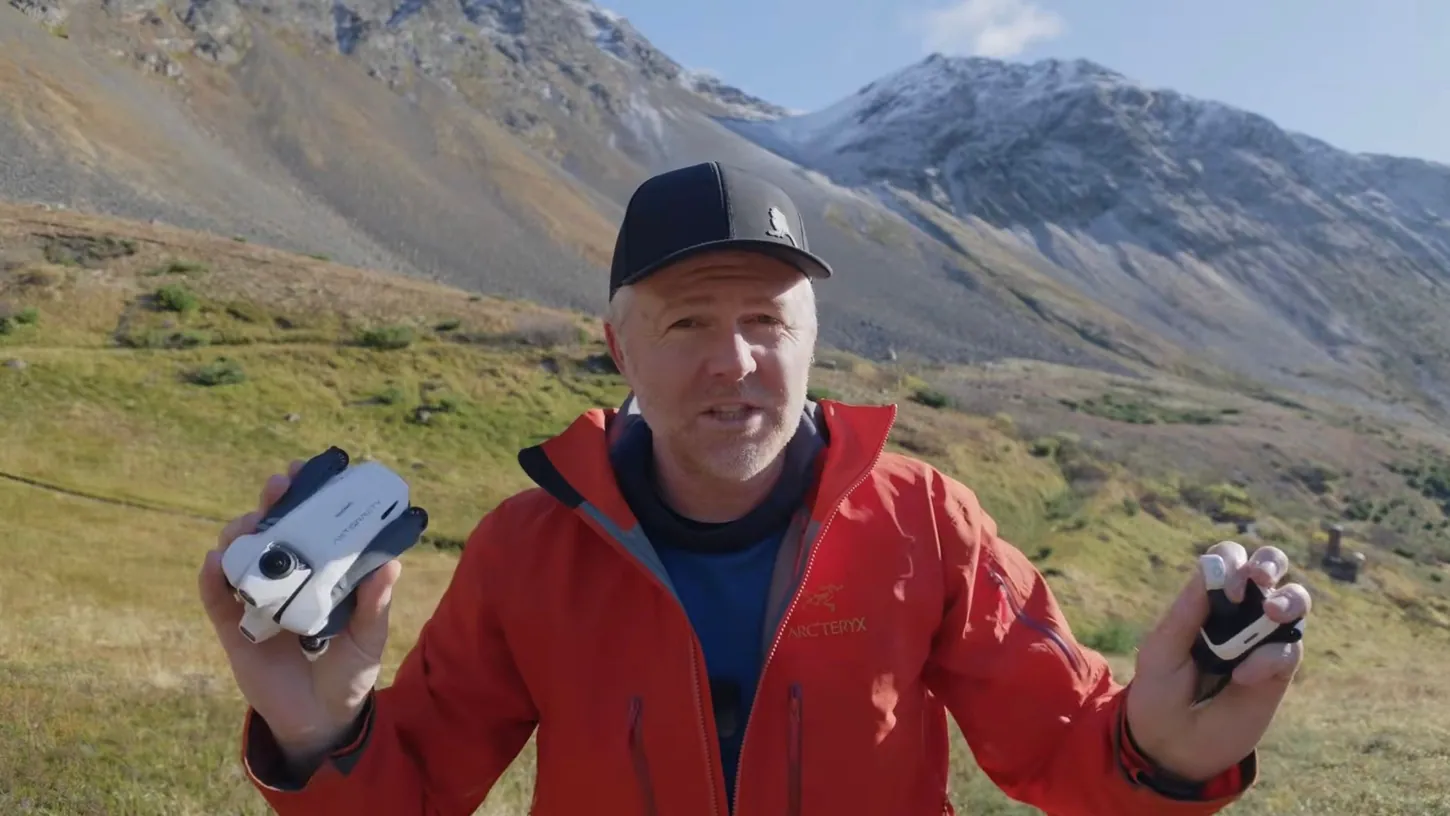
I left the goggles and the motion controller at home to fly the Antigravity A1 360 camera drone with the new Follow Me Bundle. It comes with a watch you can fly the drone with and a gesture control ring, and after about a month with it, this has been one of the most fun ways I have ever used this drone.
Antigravity sent me the bundle and sponsored the video. I’ve also been flying the company’s new remote controller for the A1, which, as of the making of my video, you can’t buy in the United States.
The Ring and Watch Steer the A1 Wherever You Move Your Hand
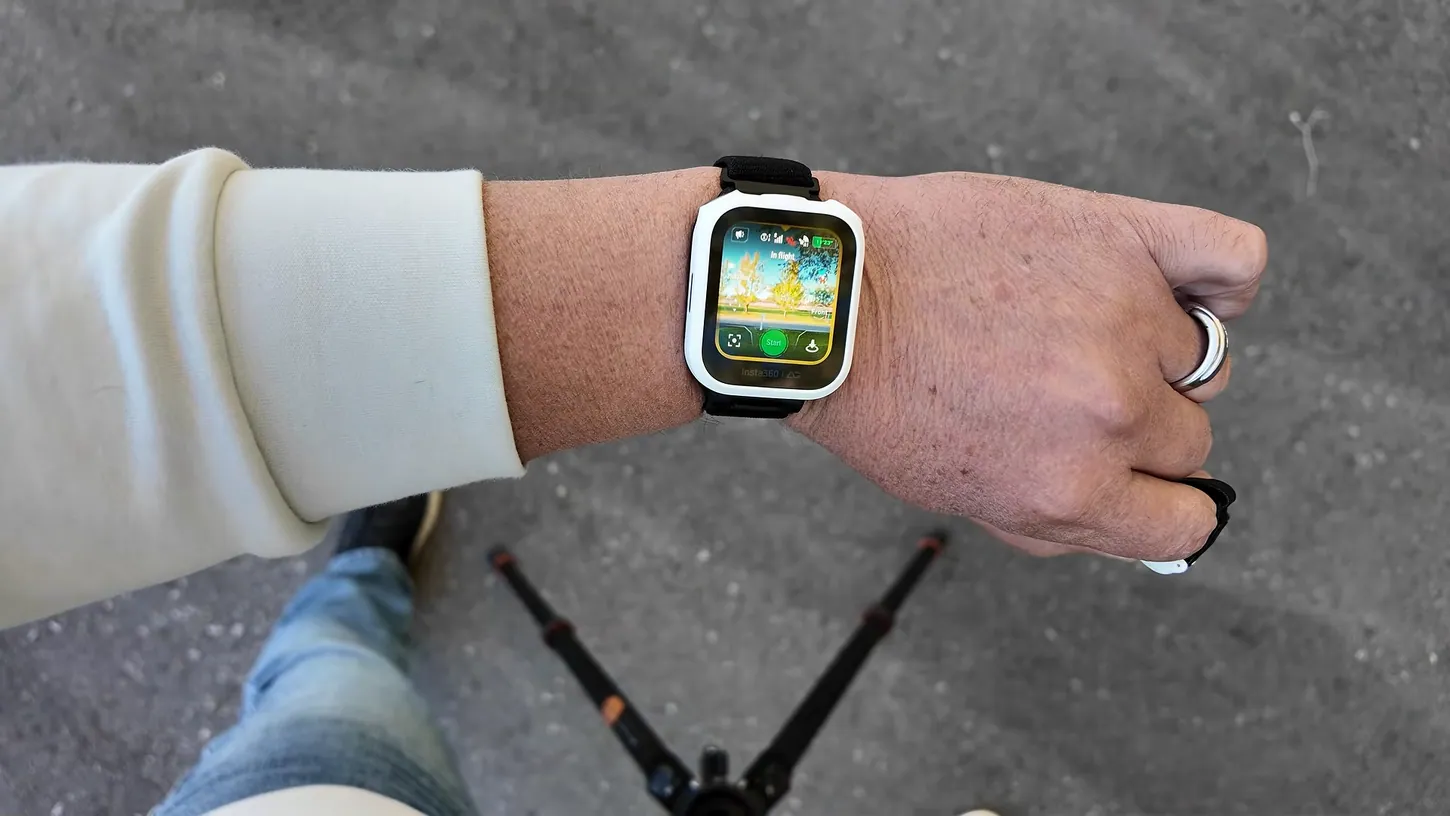
Gesture control uses the ring and the watch together, so both have to be on the same hand. It works in every flight mode except manual. You hold the ring’s button, the watch vibrates to tell you it’s connected, and the A1 goes wherever your hand goes.
I started in Deep Track, which you pick in the lower left corner of the watch. I set it to forwards so the drone stays in front of me, hit start, and it counts down 3, 2, 1. Then I had to correct myself, because you don’t need to be in Deep Track for gesture control. Orbit or any of the other modes work too. You don’t even need the ring: in any mode, you can engage gesture control on the right-hand side of the watch and steer with just the watch.
Move your hand left, and the drone moves left. Hold the button and lower or raise your hand to bring it down or up. To bring the drone closer, hold the button and turn your wrist in. Turn it the other way, and it backs away from you.
Once I start walking, the drone takes a few seconds to figure out where I’m going, then swings around in front of me and follows. You don’t have to hit record in Deep Track, because it records while it follows. The watch face shows a live preview from the drone, plus battery, signal strength and everything else you’d see on a normal controller.
The Watch Flies 12 Modes, and Deep Track Is the One Most People Will Use
The watch flies the A1 in 12 flight modes, and Deep Track, which is basically follow me, is the one I think most people will use with this bundle. You can change the direction and the distance in it and in every other mode.
Some of the modes are really cool, and some I don’t see the need for. Manual mode lets you fly up and down, forwards and backwards from the watch and steer a little with your finger. It’s useful for fine-tuning where the drone sits, but it’s not very convenient, and I don’t think many people will use it.
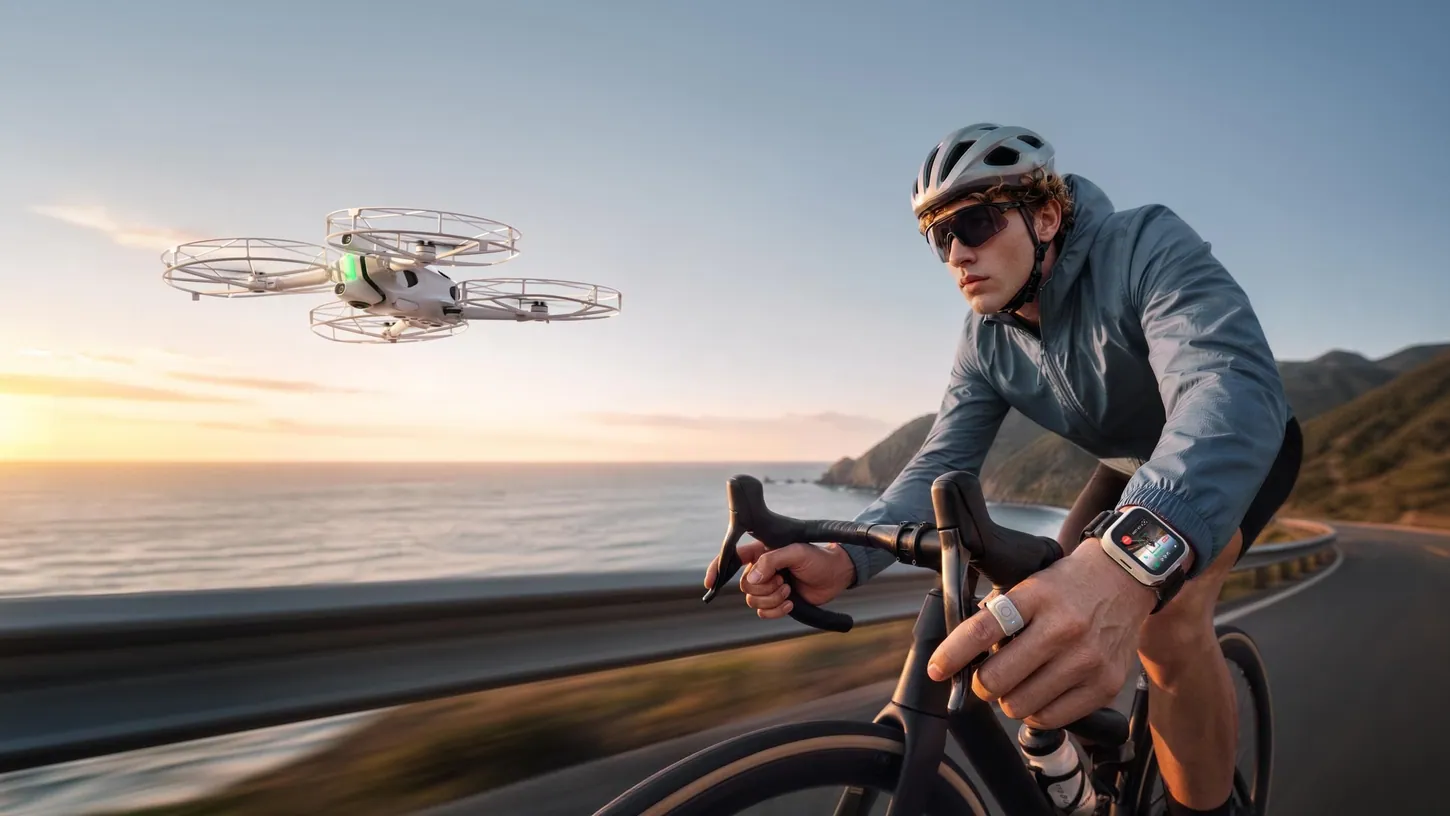
Orbit Follow circles you and keeps the same distance even while you walk. Cycling Track and Ski Track are designed to keep up with you on a bike or skiing downhill. Fly Away is a dronie: the drone goes out in front of you and backs up. Antigravity Line sends the drone out from you, over you and back, and I really don’t know what that one’s for.
Ascend, otherwise known as rocket mode, starts in front of you and goes straight up while it keeps its focus on you. Oval Orbit circles you in more of an egg shape. Spiral Ascent is like a tornado, circling you while it gradually climbs. Arc Shot flies away from you, comes back toward you, arcs around you and stops behind you, and Arc Out arcs around you and then flies away.
Obstacle avoidance stays engaged in all of these modes. If the A1 comes up to a tree or a building, it stops the flight mode and just hovers there.
The A1 Followed Me Down a Wooded Trail Where It Got Stuck Last Year
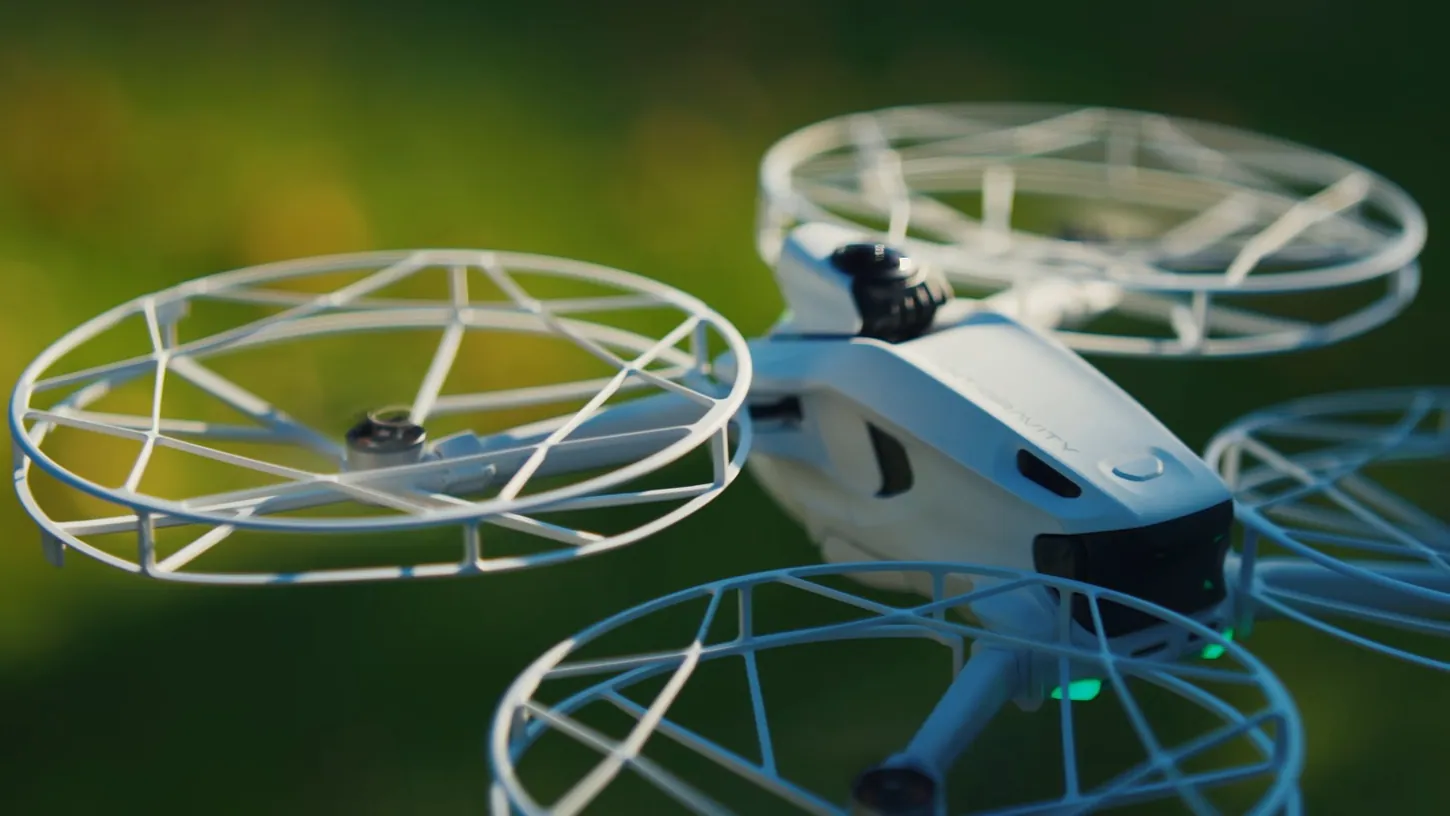
With the bundle’s prop guards on, the A1 followed me down the same wooded trail where it got stuck a few times last year and I had to go retrieve it, and this time I never had to fetch it once, even through really thin branches.
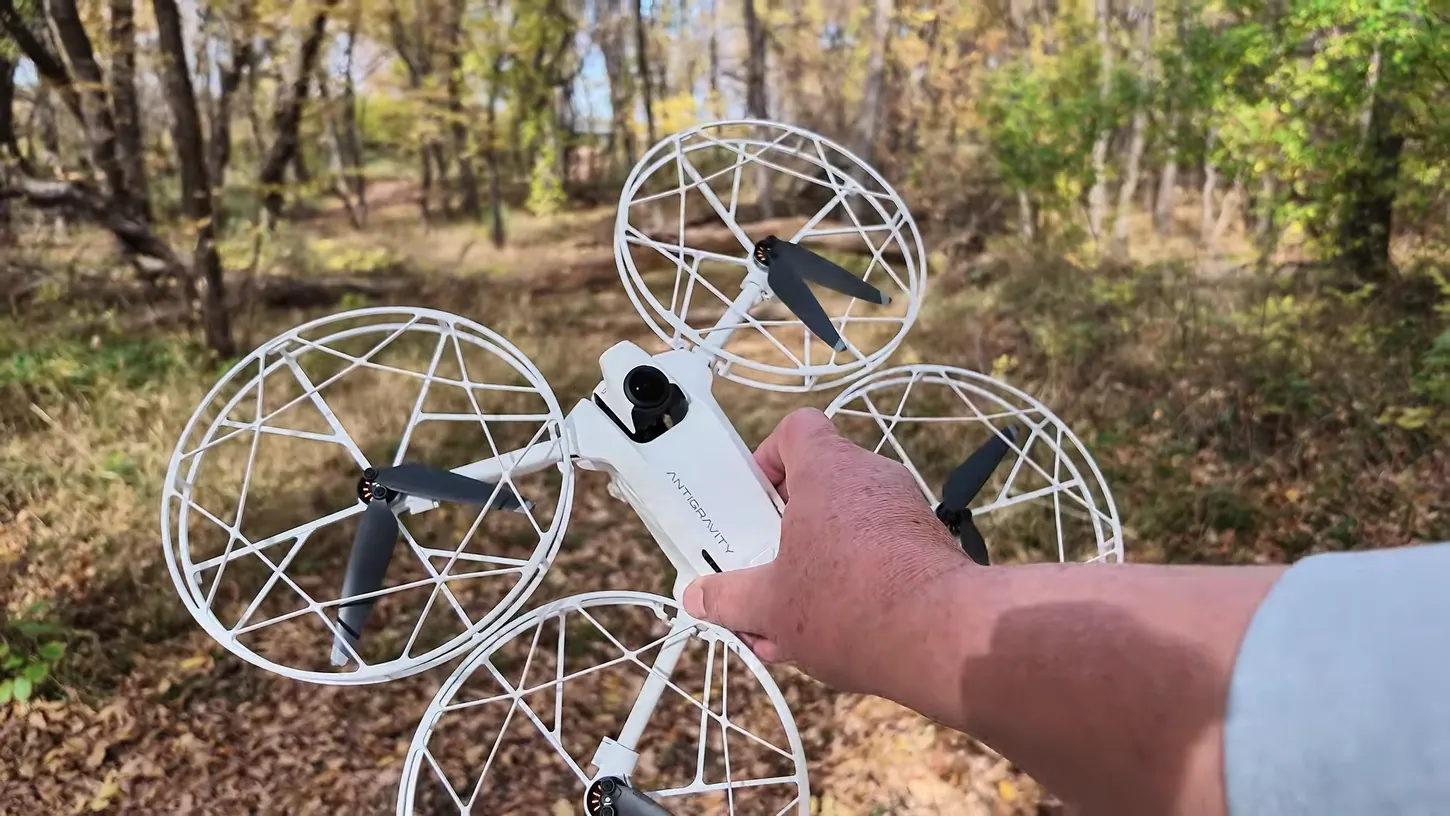
It paused a few times. I just kept walking, and it eventually found me, caught up and kept following. I don’t know if a firmware update improved the obstacle avoidance or if the watch and ring give it a better connection, but it follows so much better now.
The A1’s obstacle avoidance works really well, and the prop guards cover the little things it can’t see. They protect most of the drone. A hit can still hurt the lens if the drone lands on top of it, but thankfully the A1 has replaceable lenses.
People really don’t consider the A1 a tracking drone. I didn’t either, because most of the time I fly it as an FPV drone or for the 360-degree immersive experience, the way I did in my first hands-on. Deep Track was okay before, and with the watch and ring it’s great. A lot of people don’t want a grip controller or goggles but still want a 360 drone they can fly normally, and I think this opens the A1 up to them.
The Watch, Ring and Guards Come as a Kit for Existing A1 Owners
You don’t have to buy another drone to get the watch and the ring. Antigravity’s Follow Me Bundle page has the bundle with the A1 included. A separate accessory kit, with the watch, ring, prop guards and landing pad, is for people who already own one.
The landing pad is really cool, and I think every drone company should do this. The drone recognizes it and asks if you want to land there, and you hold the red button on the controller or on your watch to set it down right on the pad.
Antigravity advertises a maximum range of about 650 feet (200 meters) with the watch. I haven’t tried to fly it that far, because in Deep Track you’re usually 50 or 100 feet away at most. Around trees and buildings, I get 200 to 300 feet before I start to see any trouble, so the range might be better than what I’ve been getting.
The watch and ring are rated for 5 hours: 5 hours of Deep Track on the watch, and 5 hours of the ring being on. I’ve been flying this for a month and haven’t charged the watch yet, though I’m guessing I haven’t flown 5 hours total. I’ve charged the ring once.
With the prop guards on, the A1 weighs more than 250 grams. If you fly it that way, you might have to register it with whatever your governing authority is, so check your local guidelines.
If you’re new to the A1, the goggles bundle is also a great way to start, and Antigravity has a local repair and return policy in the United States. My first flight tutorial walks you through that setup.
Antigravity’s A1 Remote Controller Is Finally Here, Just Not in the US
People have asked for a regular remote since the A1 shipped with only the motion controller, and Antigravity’s RC is finally here. As of my video, it’s available just about everywhere except the United States, including Canada, so if you live near the border, you can drive up.
It’s very good quality, with about the same build feel as the motion controller, just heavier because it’s bigger. It’s not a toy. It feels like any other RC controller I’ve used over the past 10 years, and because of muscle memory, flying the A1 this way has been so much fun. You start the motors with the sticks down and in.
The goggles give you two viewing modes. Fixed view is how most people will want to fly with this controller: the goggles view faces the direction the drone is traveling, and it feels like flying an FPV drone. Hit record and it still captures 360 degrees. With the grip controller you can only fly forwards and pick your point of view later. With the RC, you can fly the A1 backwards and laterally.
Free view works like the grip controller, where you fly one direction and move your head to look all around. It’s quite disorienting, so I wouldn’t do it on a regular basis, but it’s a fun way to share the view: put the goggles on someone else and keep the drone close enough that you know which way it’s going. Most of the time, I’d leave it in fixed view.
If you have the A1, are you going to get the Follow Me Bundle? If you don’t, does it change your opinion about the drone? Let me know in the comments on the video. Thank you again to Antigravity for sending me the bundle and sponsoring the video.
This article is based on a video from our YouTube partner Russ 51 Drones. Watch the full video on the 51 Drones YouTube channel, and find more of Russ’s work on his DroneXL author page.