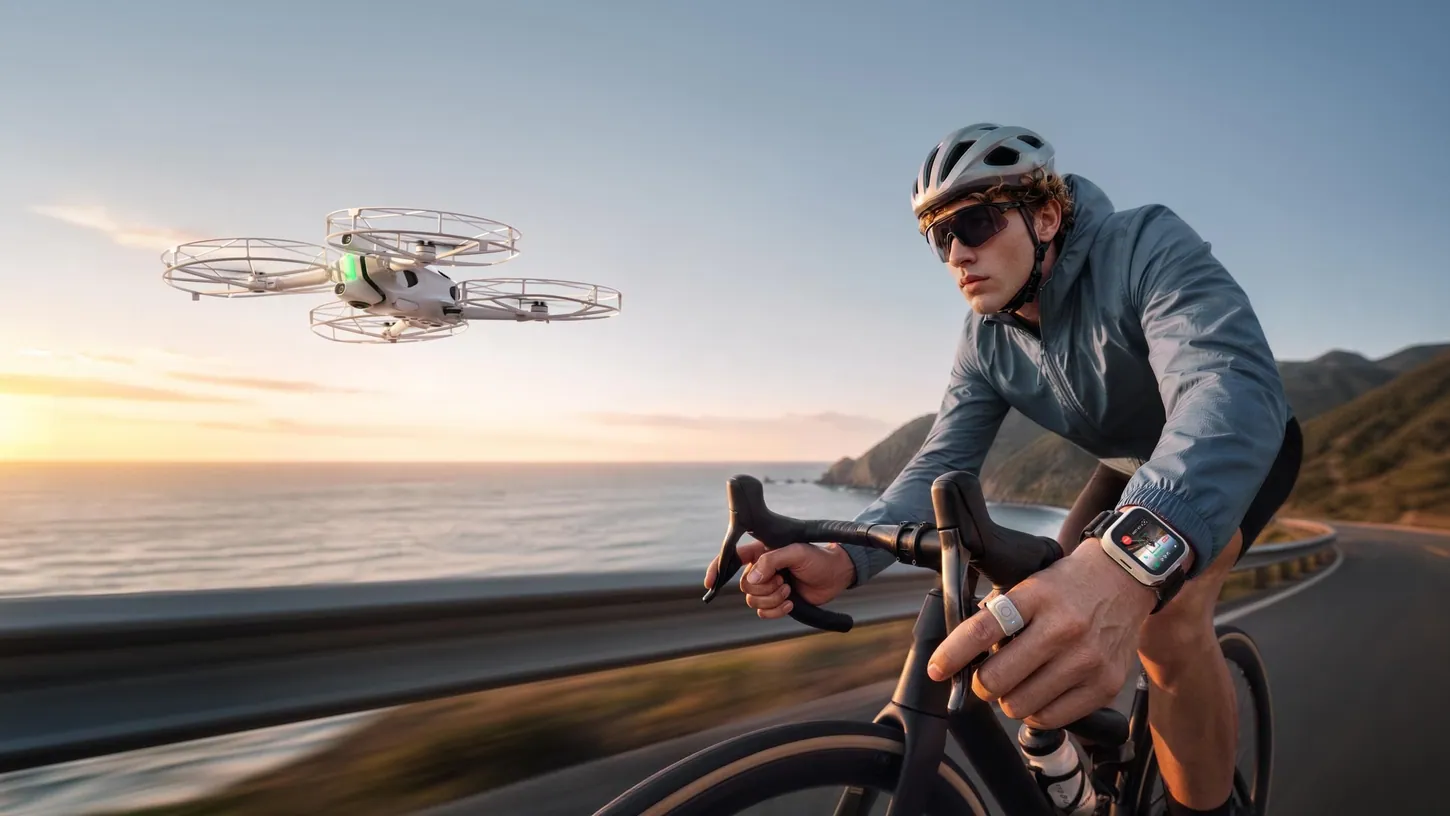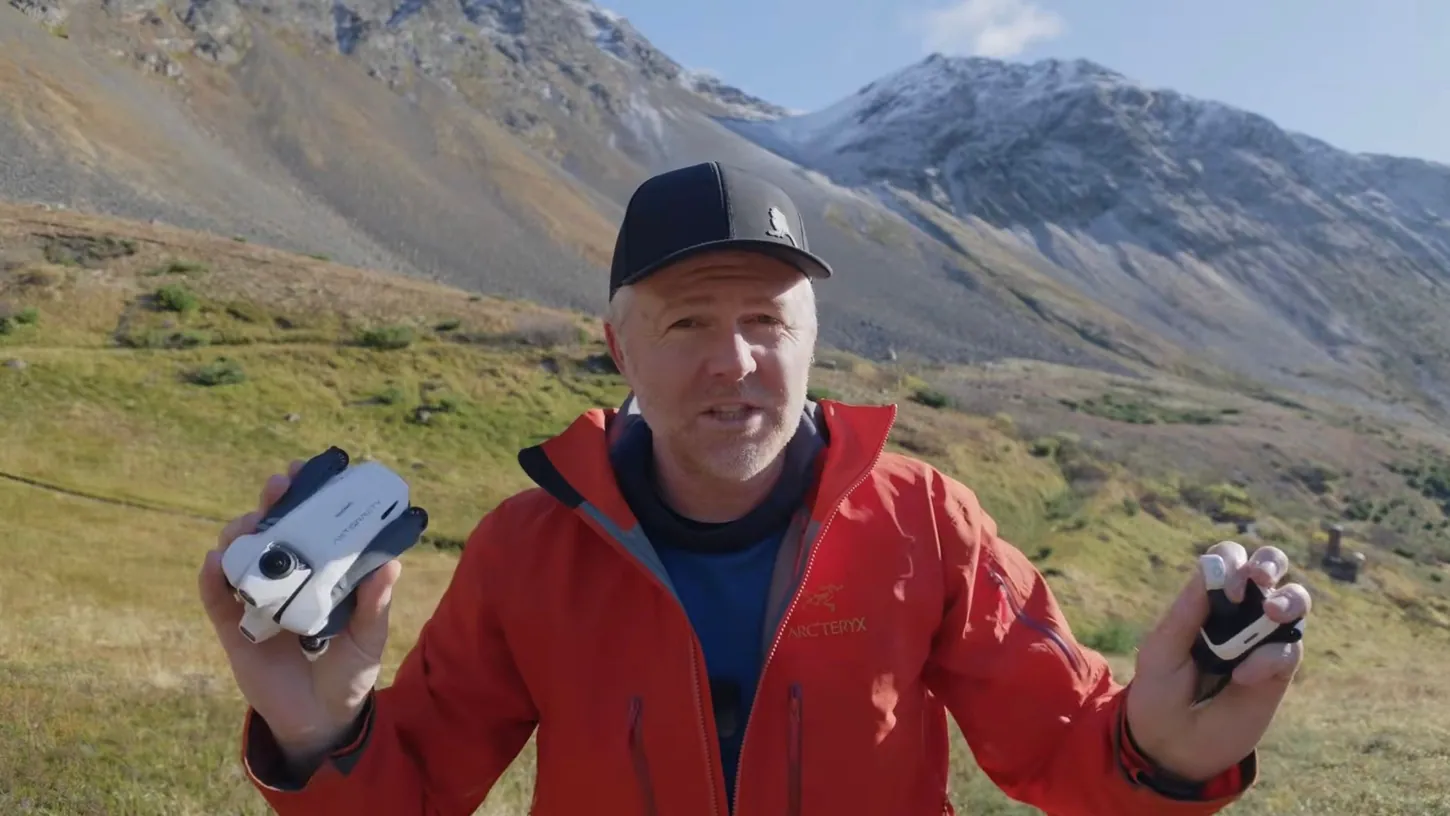
Antigravity just released the Follow Me Bundle for the A1, and it totally changes how you can control and interact with this drone. Up to now, you could only fly the A1 wearing the goggles and holding the control stick. That was fine, unless you were somebody like me who wanted to track yourself through a place.
Then you had to put the goggles on, get the drone set up and get it going, then hang the goggles around your neck and walk through the place while the drone tracked you. Kind of a pain. The new watch controller and ring controller change that completely. Antigravity sponsored this video, so a special thank you to them.
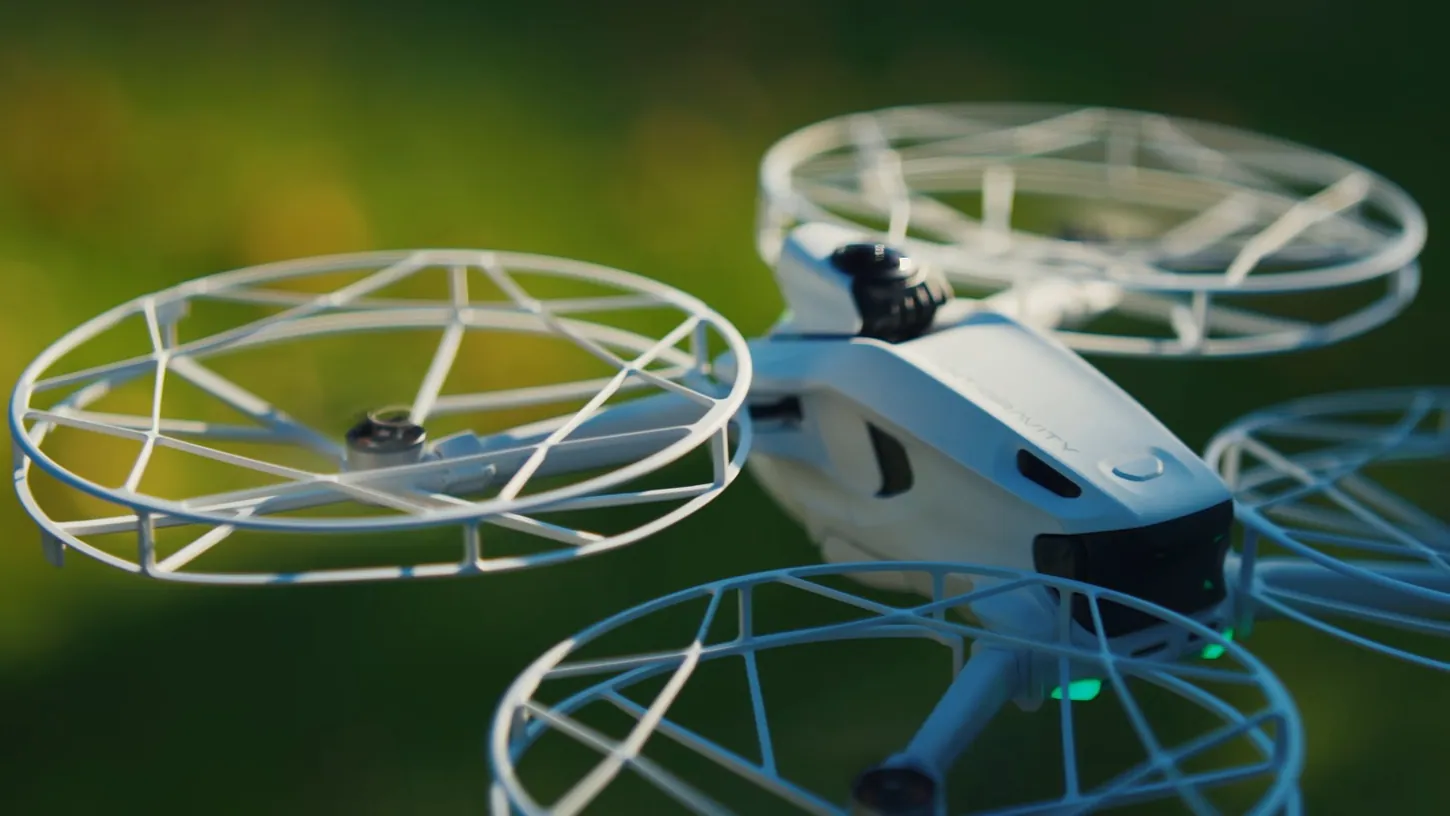
The Follow Me Bundle gives you the wristband watch controller and the ring controller. You can also get prop guards and a few other accessories, so you can fly safely closer to people or objects.
The Watch Controller Flies the A1 From Takeoff to Landing
The watch controller lets you control pretty much everything about the A1 from a little OLED screen on your wrist. You can take off, fly manually, start Deep Track and cycle through the pre-programmed quick shots. You wear it on your left or right wrist and tell it which one.
To take off, you push and hold the green button and the drone goes up. Then you pick your mode. In manual mode you tap and move the drone forward, backward, up and down. It also warned me there were obstacles, because I was standing right in front of the drone.
Deep Track, the tracking mode, puts a box around you on the screen. You tap yourself, hit start, and it begins tracking. I set it to follow me from behind at a long distance and low altitude, put the watch back on my wrist and just started walking.
Swipe down on the watch for settings like sensor calibrations, safety settings and find my drone. Swipe up for the flight modes: manual, Deep Track, Orbit Follow, Cycling Track, Ski Track, Fly Away, Ascend, Orbit, Spiral Ascent, Arc Shot and Arc Out. Tap the bottom of any of them to change the direction and pick slow, medium or fast, and in Fly Away you also set the distance. There’s more on Antigravity’s Follow Me Bundle page.
When it’s time to land, you hit stop, switch to manual mode and move the drone over a spot that’s safe to land, or over your landing pad. I really should have a landing pad. I don’t. The A1 puts its little feet down as it gets close and goes into landing mode. How easy is that? Crazy, crazy easy.
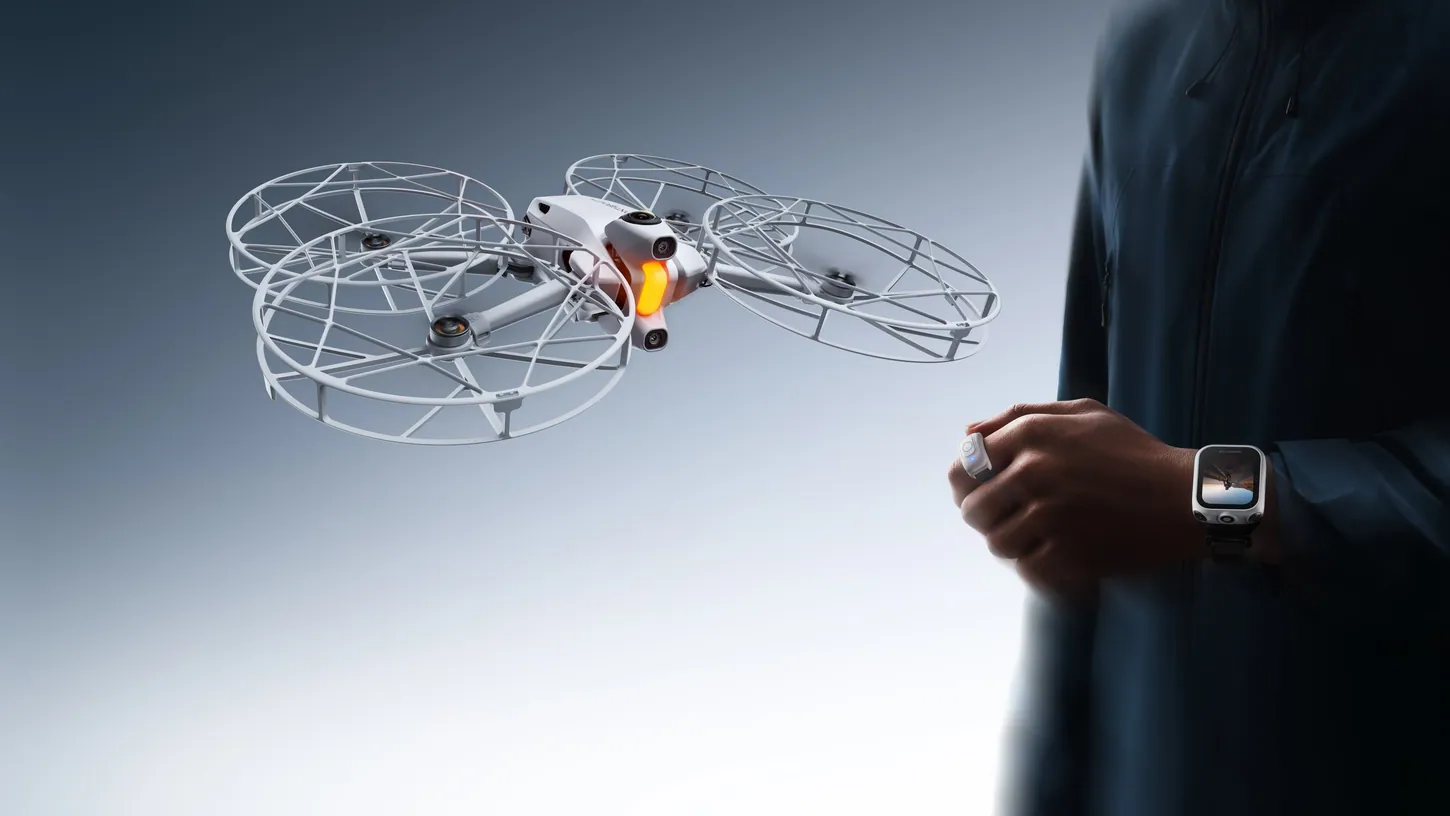
Pairing the Ring With the Watch Turns the A1 Into a Wireless Selfie Stick
Pair the ring controller with the watch, hold the ring button down in a tracking mode, and the A1 enters wireless selfie stick mode. Point at the drone and roll your wrist toward you to bring it closer, or roll it away to push the drone farther out.
You can also move it up, down, left or right. The whole time it keeps tracking you, turning around to make sure it’s not going to run into obstacles. When you’re ready, you just start tracking again.
There’s a trick to pairing that I found. Turn the watch on first, then the ring. The ring has a little blue light, which was hard for me to see in the sunlight that day. Once the two pair to each other, turn the drone on and fly. You have to wear both on the same wrist and the same hand for this to work.
The ring handles a few things on its own too. With the drone on and connected, push the button once to start or stop recording, and do that before you take off. With the drone on the ground, push and hold the ring button and it acts like the takeoff button.
Arc Out Wraps 180 Degrees Around You and Pulls Away
Arc Out is the coolest shot I found on the A1. The drone wraps around you 180 degrees and pulls away as it comes around the other side, so you get a reveal shot. In a cool location with mountains behind you, I thought the shot was really impressive.
There’s also Orbit Follow, where the drone orbits you clockwise or counterclockwise while you keep moving through a space, and Deep Track will follow you from any position.
Control Range Stays Close, Around 100 to 200 Feet
The watch and ring need to stay fairly close to the drone, maybe 100 to 200 feet (30 to 60 meters) depending on your surroundings. Don’t expect the range you get with the goggles and control stick, because this is for close-distance tracking, mostly of yourself.
The Follow Me Bundle Removes the Friction of Filming Myself
The Follow Me Bundle removed the friction I had filming myself with the A1. I no longer take the goggles or the control stick, just the watch and, if I want it, the ring. That’s an incredibly small and lightweight package to throw in a backpack or camera bag.
When I first started flying the A1, it blew me away how fun it was, because the goggles make it so immersive. I said as much in my first Antigravity A1 review. You feel like you’re flying, you can look in any direction, and I think that got missed early on. The hard part was always getting shots of myself, and now I can take the A1 hiking in the mountains or exploring a glacier-filled lake with almost nothing extra.
There’s a whole other use case for the A1 that hasn’t been explored very much, and that’s splatting. You create a hyperrealistic 3D model on a computer that somebody can walk through and explore as if they were there, all shot with the A1. You can also use something like the Insta360 X6. I’ve got a whole video on splatting coming up.
If you’re new to the A1, or you already have one and want the Follow Me Bundle, Antigravity is running a promo from October 20 to November 11 with a bunch of stuff 20% off, including the drone, the bundle and accessories. I’m pretty dang impressed. The watch and ring are intuitive, easy to use and work great, provided you mostly want to track yourself.
If you have questions, ask me in the comments on the video or join my live stream, which happens some Wednesday nights at 4:00 p.m. Alaska time, 8:00 p.m. Eastern, at least if I’m not out filming or working on a job.
This article is based on a video from our YouTube partner Jake Sloan. Watch the full video on the Jake Sloan YouTube channel, and find more of Jake’s work on his DroneXL author page.