
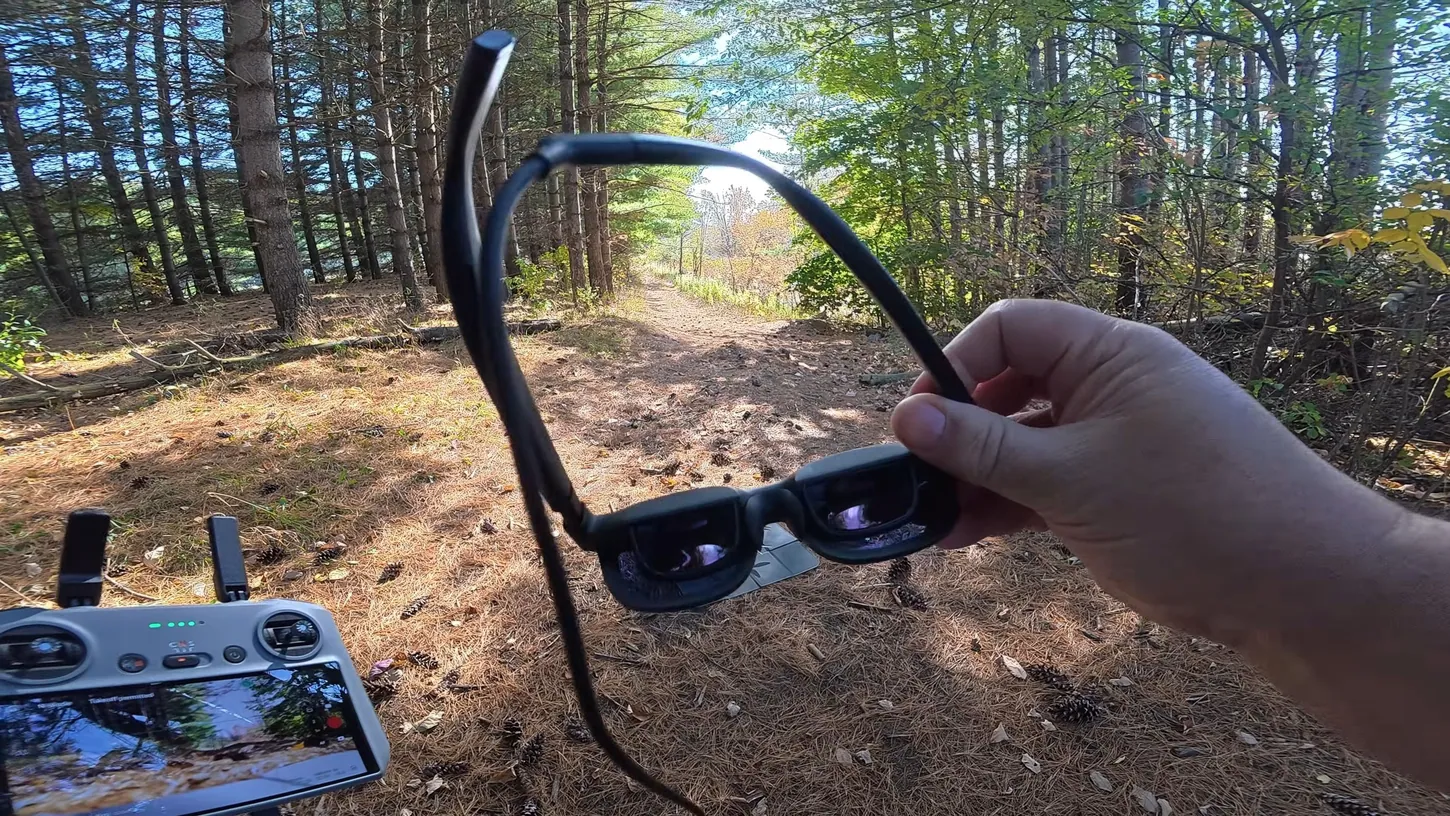
Good day, folks. Shawn here from Air Photography. These XR style glasses have become extremely popular with drone enthusiasts over the past year. They put a virtual image right in the glasses, and that can make for an interesting flight experience with your drone. This set is the Viture Pro 2, and it has a couple of really nice features that set it apart from some of the other ones available on the market.
For those who aren’t aware of what these types of glasses do: they’re really just a pair of sunglasses. They’re shaped like sunglasses, but they have Sony micro OLED screens built into them, and that gives you an image in front of you equivalent to a 146-inch screen. It’s not just for flying drones, either. You can plug these into a smartphone, a tablet, a gaming console or your laptop and get the same immersive experience watching movies or working on a computer.
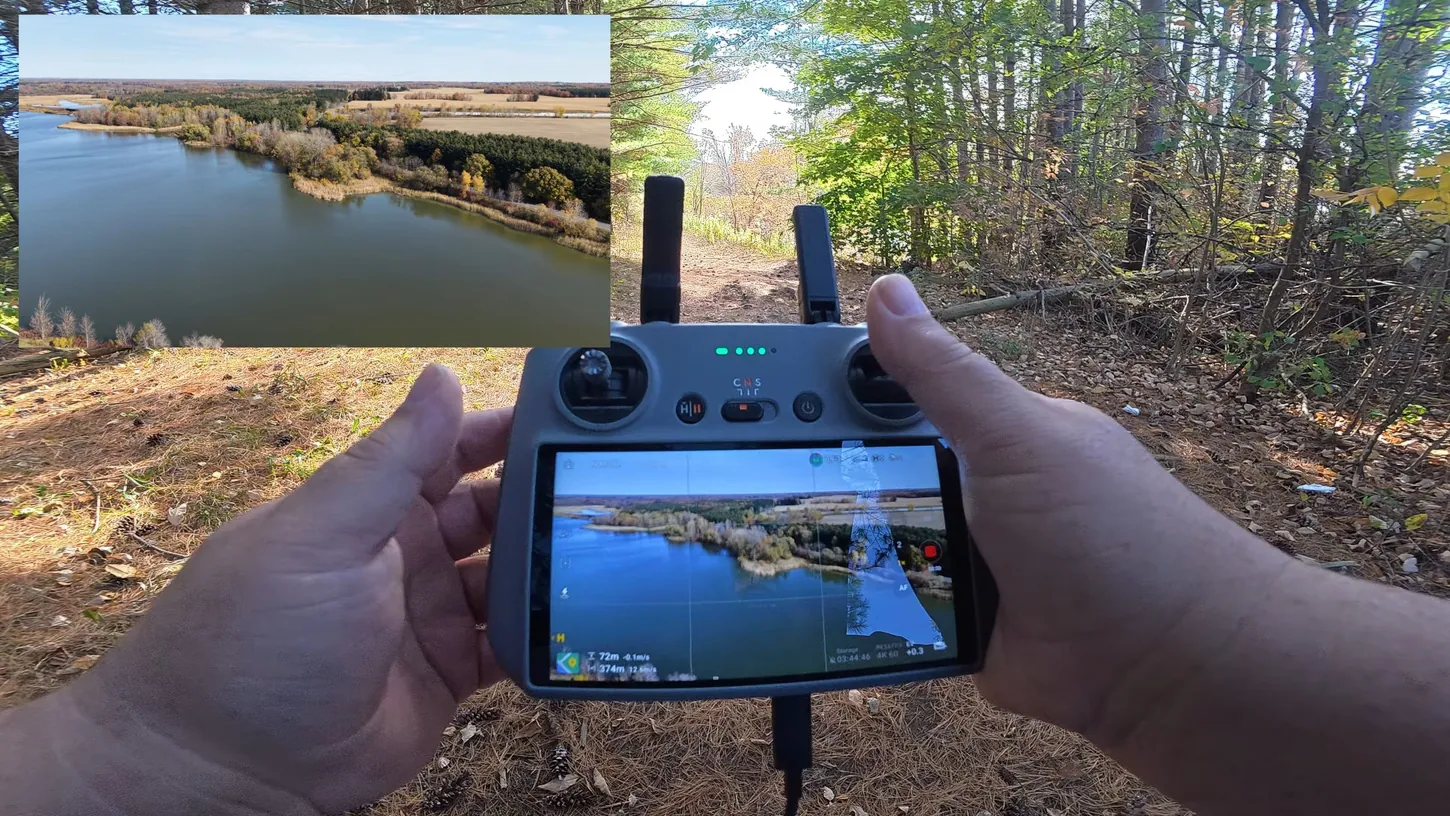
The Viture Pro 2 plugs into the DJI RC 2 and draws its power from the controller
Connecting them takes one cable. I had my DJI Mini 5 Pro out with the DJI RC 2, plugged the included cable into the bottom of the controller and put the tapered end into the arm of the glasses. They power up instantly and don’t need charging separately.
That’s it. Once they’re on, you have the full screen in front of you, and it’s really bright and really crisp. They’re capable of 1,600 nits, which makes them great for flying on bright days. Where I was flying for this test, in amongst the trees, it wasn’t overly bright, but I have flown them out in the open on a bright day and it does make a nice difference.
The nice thing is you still have your situational awareness. You keep your peripheral vision and you can sense what’s going on around you. The glasses are open underneath, so if you need to, you can just look down and see your controller screen below you, or take the glasses off. Plugging them in doesn’t disable the controller’s screen.
At 63 grams with adjustable diopters, the glasses stay comfortable for a whole flight
The Viture Pro 2 comes in at approximately 63 grams, so it isn’t overly heavy, and it ships with different nose pieces so you can fit it to your face, because we all have different nose sizes and face shapes. I put the smaller one in myself.
The arms also tilt up and down on a sort of ratchet, which makes them a little more comfortable. What really sets this set apart from some of the others available, though, is the adjustable diopters. You can dial in your prescription, and if your two eyes have different prescriptions, you can adjust each one accordingly. That saves having to get prescription lenses made for them. I was able to dial mine in with no issues and get the picture nice and clear.
They also have something Viture calls UltraClarity 3.0, which keeps the image clear right out to the edges. That can be a problem with these virtual glasses, where the corners get a little blurry, but these look pretty good even right into the corners.
Comfort over long periods isn’t so important for flying drones, because you’re usually flying for 20 minutes, half an hour, maybe 40 minutes. If you’re using them to watch a movie, of course you want them comfortable for long viewing periods. I haven’t worn them for more than half an hour at a time myself, but they have been quite comfortable.
The DJI Mini 5 Pro never got goggles, and these come close
Unlike some of DJI’s other drones that connect to DJI goggles, the Mini 5 Pro was never made compatible with goggles. The Viture Pro 2 gives you a similar experience. It’s not quite the same, but it’s a nice immersive flight, and it works with pretty well any DJI drone.
It’s really hard to demonstrate what these look like in a video, so I can only describe it: a nice bright picture with really good quality. I took the Mini 5 Pro up for a quick flight with them on. The fall colors are still out, but we’re past the peak. Last week everything was extremely bright and vivid, and within a week and a half it has all gone muted and brown. It’s amazing how quickly that color disappears.
If you want to learn more about the specs and what they offer, you can check them out on Viture’s website and on Amazon. That was just a quick test flight with the Viture Pro 2 XR glasses and the Mini 5 Pro.
This article is based on a video from our YouTube partner Shawn from Air Photography. Watch the full video on the Air Photography YouTube channel, and find more of Shawn’s work on his DroneXL author page.


