A lot of people’s videos sound like the opening of my video, with the wind all over the audio. Same wind, same camera, and the only difference between that and clean audio is a DJI Mic 3. If people can’t hear you, they’re not going to watch, no matter how good your video looks or how well it’s edited.
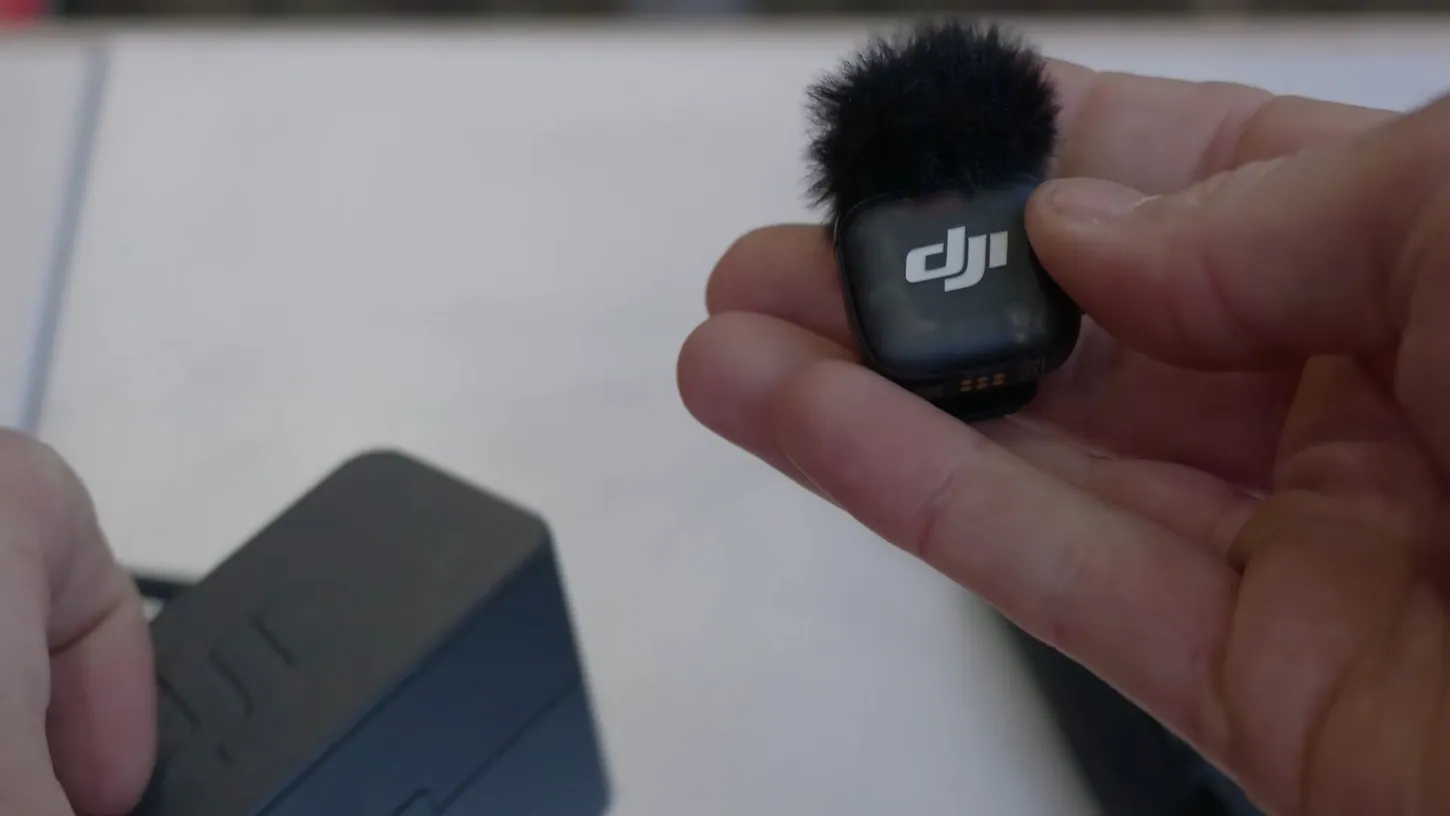
The Mic 3 works with your phone, your mirrorless camera, and DJI’s action and pocket cameras. You can record up to four people at the same time to multiple cameras, and the best part is that even if you lose the signal, you still don’t lose a word. I want to say thank you to DJI for sponsoring this video, and if you’re interested in picking up the Mic 3 system, there are affiliate links in the description of my video.
The Mic 3 Pairs With DJI Action and Pocket Cameras Without a Receiver
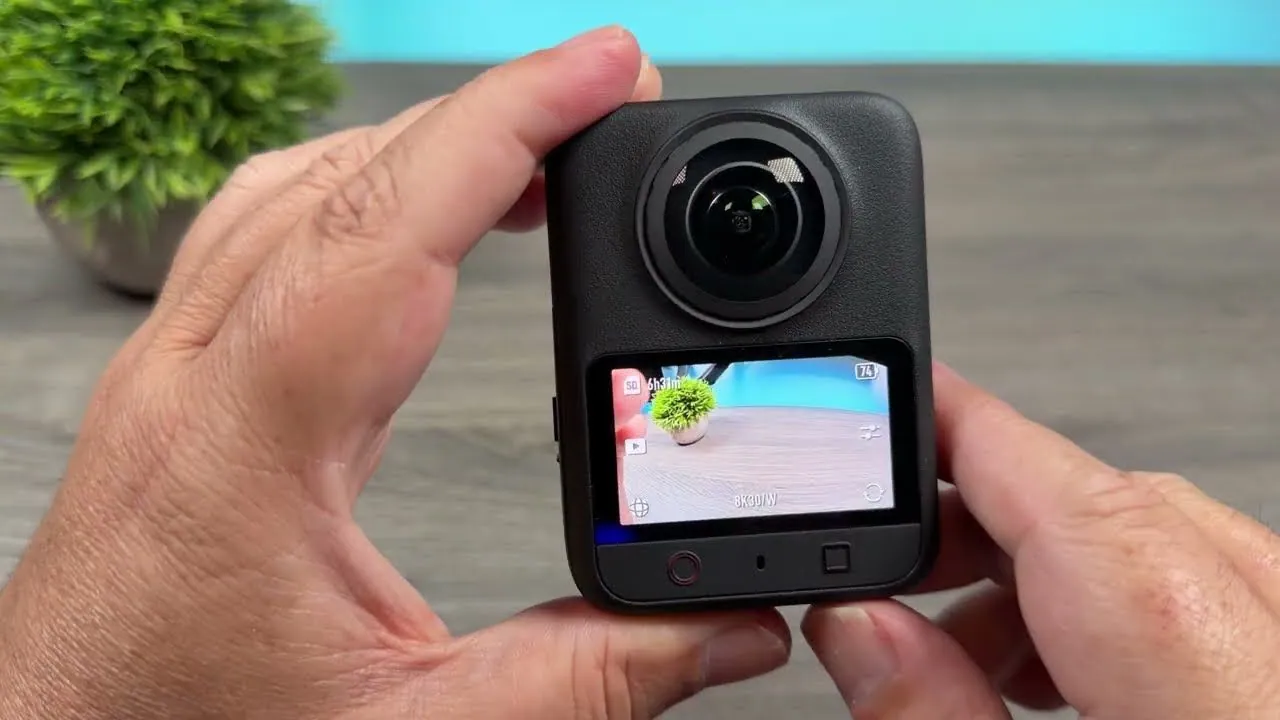
If you own any DJI action or pocket camera from the last few years, the best thing about the Mic 3 is the direct connection with no receiver needed. You can connect up to two mics, and the link button on the mic starts and stops the camera’s recording.
As far as I know, that covers the cameras since the Action 4: the Osmo Action 4, Action 5 Pro and Action 6, plus the Pocket 3, Pocket 4 and Pocket 4P. That miniature remote control is really handy when you’re doing things far away and don’t want to run back to the camera every time.
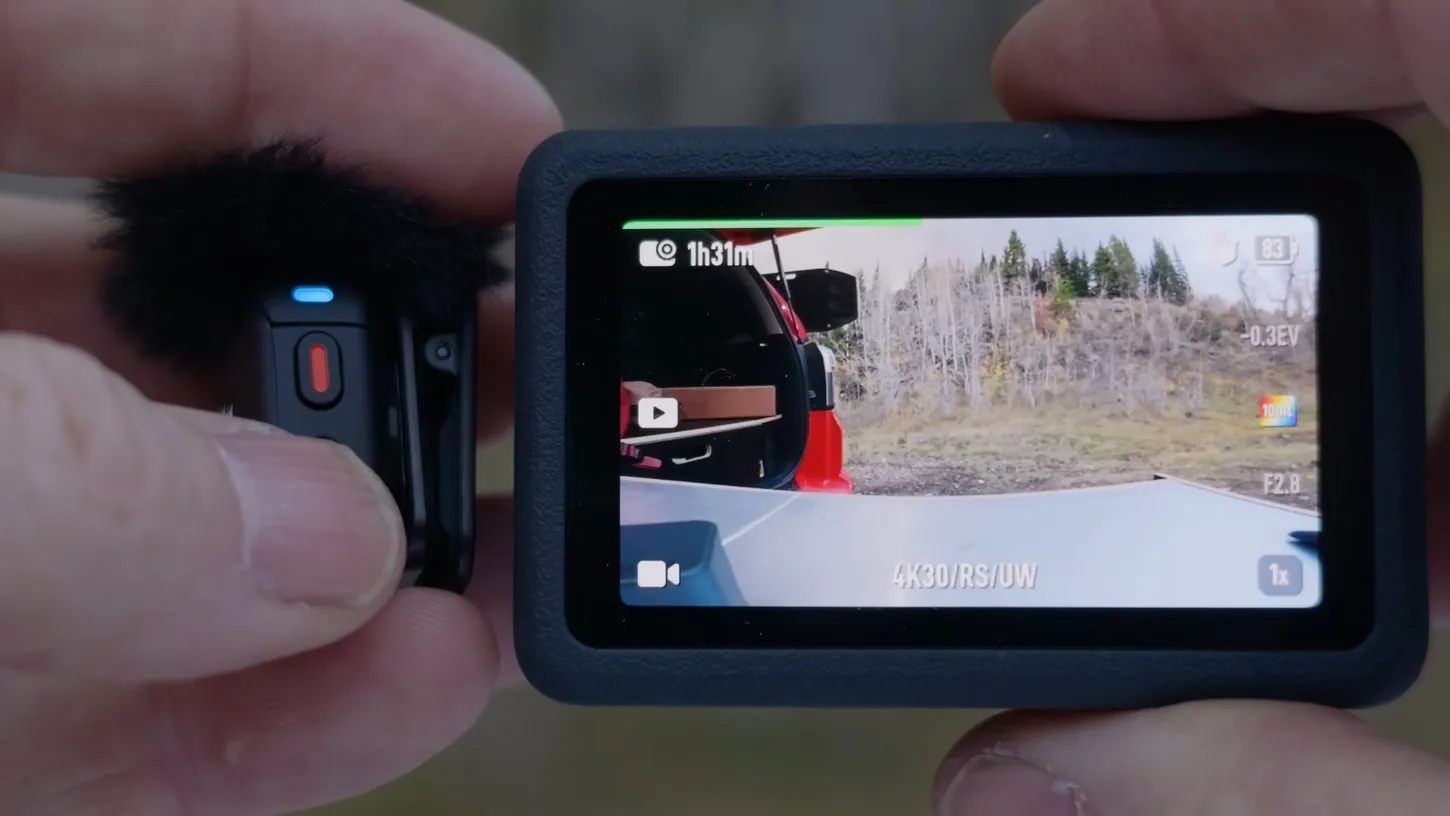
Because these wireless systems are so good, you get clean audio even with a little wind, and a ton of range. I’ve tested these systems at well over 1,000 feet (300 meters), which is kind of insane for something this small.
32-Bit Float Internal Recording Means I Never Actually Lose the Audio
The Mic 3 records internally in 32-bit float. If you’re recording internally and the wireless link drops, you pull the files off the mic and sync them up in your editor in post. You know you never actually lost the audio, and there have been times when I’ve lost audio.
32-bit float also takes care of your levels. If I yell into the mic, that would distort in the camera. In the 32-bit float file, you can just pull it back and you don’t get a distorted file. That means you don’t have to get your levels set exactly right when you’re working with somebody else, interviewing people, or recording a really loud sound source.
If you’re not using the internal recording, the Mic 3 also has an auto gain, sort of a limiter, that helps you avoid overdriving your audio.
Two Levels of Noise Reduction Clean Up Audio in a Moving Car
The Mic 3 has built-in noise reduction with two levels, basic and strong, and I tested both in a car at the same speed, going the same way. Without it the audio is pretty good, basic cleans it up a bit, and strong cleans it up quite a bit.
On a street with a lot of noise around you, you can get good clean audio too. I prefer to do most of my noise reduction in post. But if you don’t have access to high-end professional tools, or you just want to post straight off the camera, this works great in a pinch.
A Phone or a Mirrorless Camera Plugs Straight Into the Mic 3
Lots of people just use their phones to record, and phones have pretty damn good image quality nowadays. You can connect a phone directly with DJI’s tiny little receiver, or plug in the regular receiver from the two-mic kit via USB-C, and get great direct audio straight to your phone.
You get the same range, the same noise cancellation if you need it, and the same 32-bit internal recording if you need it, but you can just film using your phone.
A mirrorless camera is super easy too. The receiver has a nice little cold shoe mount and a threaded output on top for the cable that’s provided. Plug it in, and just like that you have great audio going directly into any mirrorless camera with a 3.5 mm mic input.
Sony Cameras Can Record All Four Mics on Separate Tracks
If you shoot Sony, DJI makes an adapter that slides the receiver straight into the multi-interface hot shoe. It feeds audio directly to the camera without a wire. One receiver links up to four transmitters, and on certain Sony bodies the camera records all four channels as separate tracks.
That works with a camera like the A7S III or the FX3, and I think the Sony A7R VI too. So if you’re recording a podcast with four people, you put four mics on them and get four tracks of audio you can mix later in post. I’m sorry I couldn’t show this better in the video. I thought about trying to make myself appear four times, but I couldn’t figure out the logistics.
One Mic 3 System Feeds Four Mics to Up to Eight Cameras
The DJI Mic 3 pairs four transmitters with up to eight receivers. I had a receiver on each of my two Sony A7S III cameras, both getting all four channels from all four microphones, and I could pair six more receivers. For multi-camera podcasts, it’s pretty sweet.
The Mic 3 also supports timecode, so it can output timecode to all your cameras and make syncing in post much easier. You can send it over the audio track, for example with timecode on the left channel and all the audio on the right. There are a lot of different options, and I haven’t dived deeply into them yet. DJI has a good video and write-up on it, and a couple of other creators have put out great videos on how to set up and use timecode.
The Charging Case Stretches Run Time to 28 Hours
The Mic 3 transmitters run up to 8 hours and the receiver up to 10. If you get the version with the charging case, five minutes in it adds up to 2 more hours to every unit, and the case gets you up to 28 hours of total run time.
The case itself recharges over USB-C. If you’re using the multi-interface hot shoe on a Sony camera, you get a lot more than 10 hours from the receiver, because the camera helps power it. And when you’re moving from location A to location B, by the time you get there, these things are practically fully charged again.
There are also a bunch of power saving features: auto power saving, auto power off, and auto power on and off with the camera. When I turn the camera off, the receiver turns off, and when I turn the camera back on, the receiver powers back on with it after a second. You can also update the firmware from your phone over USB-C, which makes keeping these units current super easy.
These small wireless mic systems have made life so much easier for creators like me, and probably like you. Basically no matter what kind of camera you use, you can now get good solid audio with this system.
If you want to pick up a DJI Mic 3, you can search for DJI Mic on sites like Amazon to see what deals DJI is running, because right now, during the fall, they’re running some pretty crazy deals on the Mic 3 system.
As always, if you have questions, ask me in the comments on my video, or join my live stream, which happens most Wednesday nights at 4:00 p.m. Alaska time, 8:00 p.m. Eastern.
This article is based on a video from our YouTube partner Jake Sloan. Watch the full video on the Jake Sloan YouTube channel, and find more of Jake’s work on his DroneXL author page.