
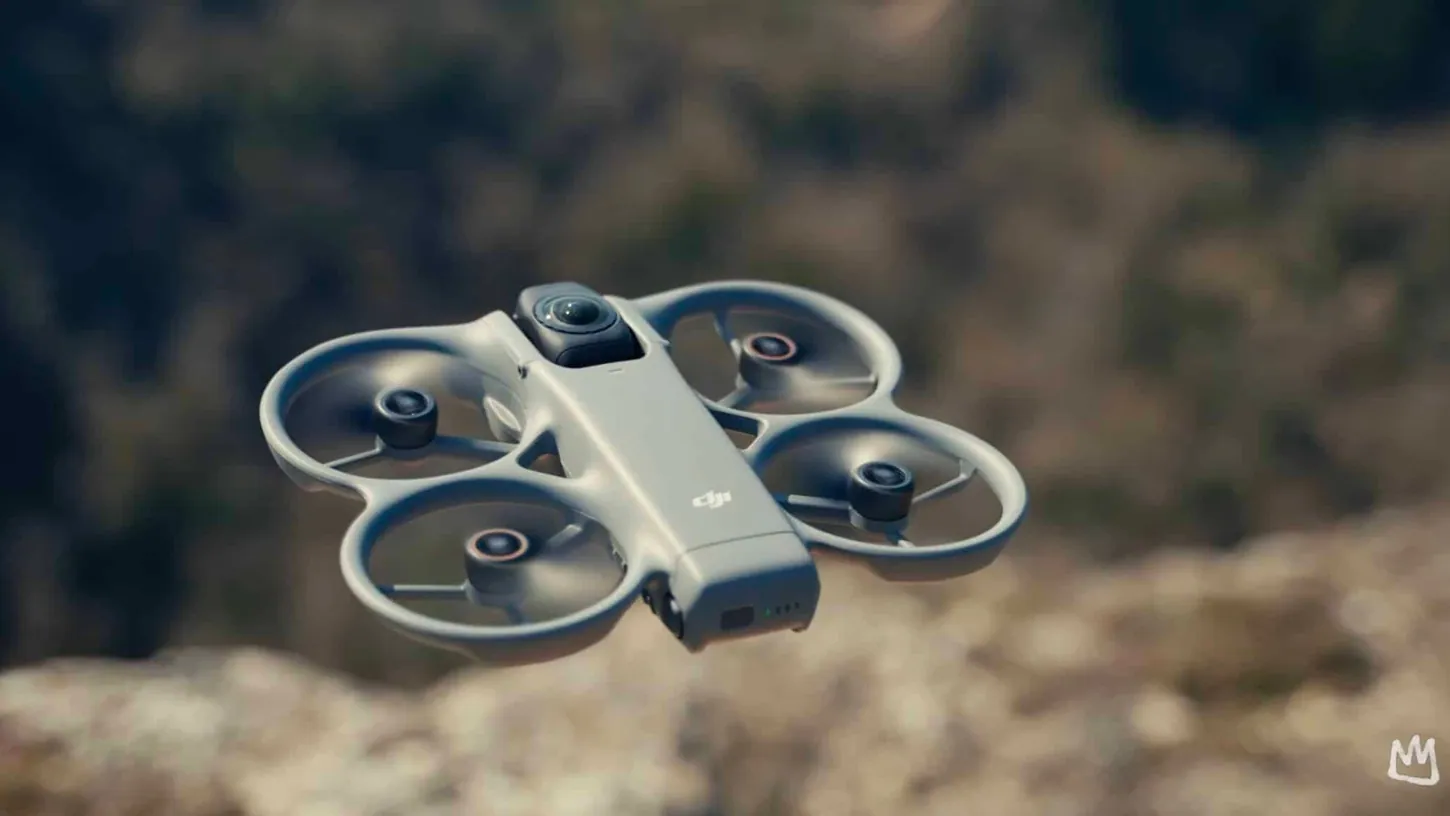
DJI Fly App · FIRMWARE
DJI Avata 360 Waypoints Arrive, and the RC Pro 2 Needs Its Own Update
DJI's October 20 release notes give the Avata 360 Waypoint Flight, FocusTrack zoom and RC Pro 2 support. Here is every version number the update touches.
News, deep dives, and analysis — every DJI Fly App story, newest first.
The DJI Fly app flies almost every current DJI consumer drone, and it is where far more of your image quality gets decided than most pilots realise. This hub collects our tutorials and setting guides for it.
The single most useful thing in the app is the one most people never open: DJI’s built-in simulator is the best free way to practise before your first real flight, and it is already installed. If you have just unboxed a drone, the beginner’s guide to flying and our how to start flying drones guide are the right order of operations.
Two things reliably trip people up. Pairing is the first: pairing goggles and controllers is not difficult but it is unintuitive. Getting your footage out is the second — transferring and editing on mobile has a path that makes sense once someone shows it to you.
For settings that change what you actually capture, the Mini 5 Pro hidden features guide is the most useful thing we have written, and it generalises across the range. Firmware releases that change app behaviour are tracked on the firmware desk. Every DJI Fly story lands in the feed below.
Last updated October 25, 2026 — the feed below updates with every new story.
DJI's October 20 release notes give the Avata 360 Waypoint Flight, FocusTrack zoom and RC Pro 2 support. Here is every version number the update touches.
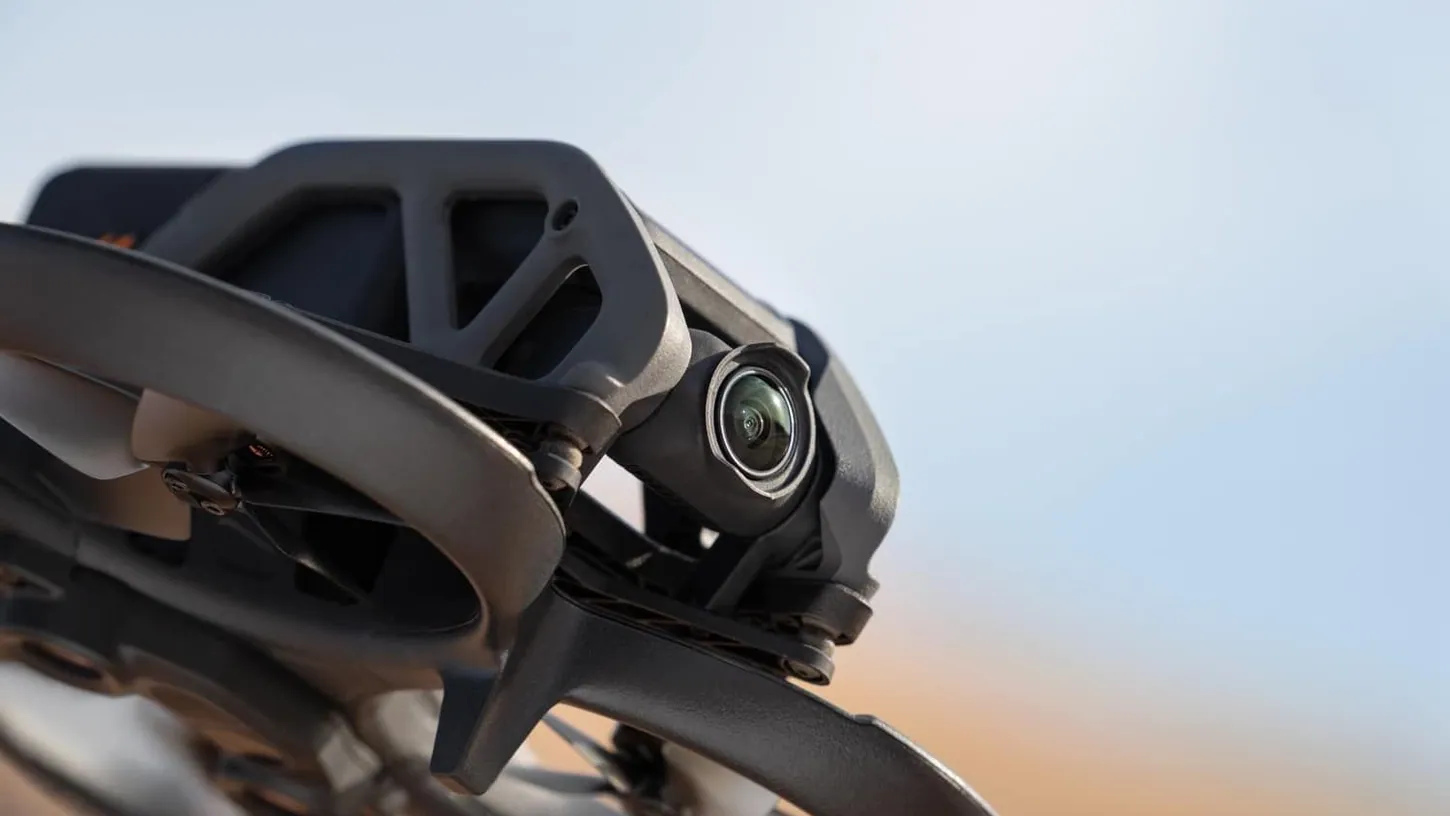
DJI's first Avata firmware since December 2023, v01.06.0000, lands with Goggles 2, Goggles Integra and DJI Fly 1.21.16 updates and a one-line changelog.
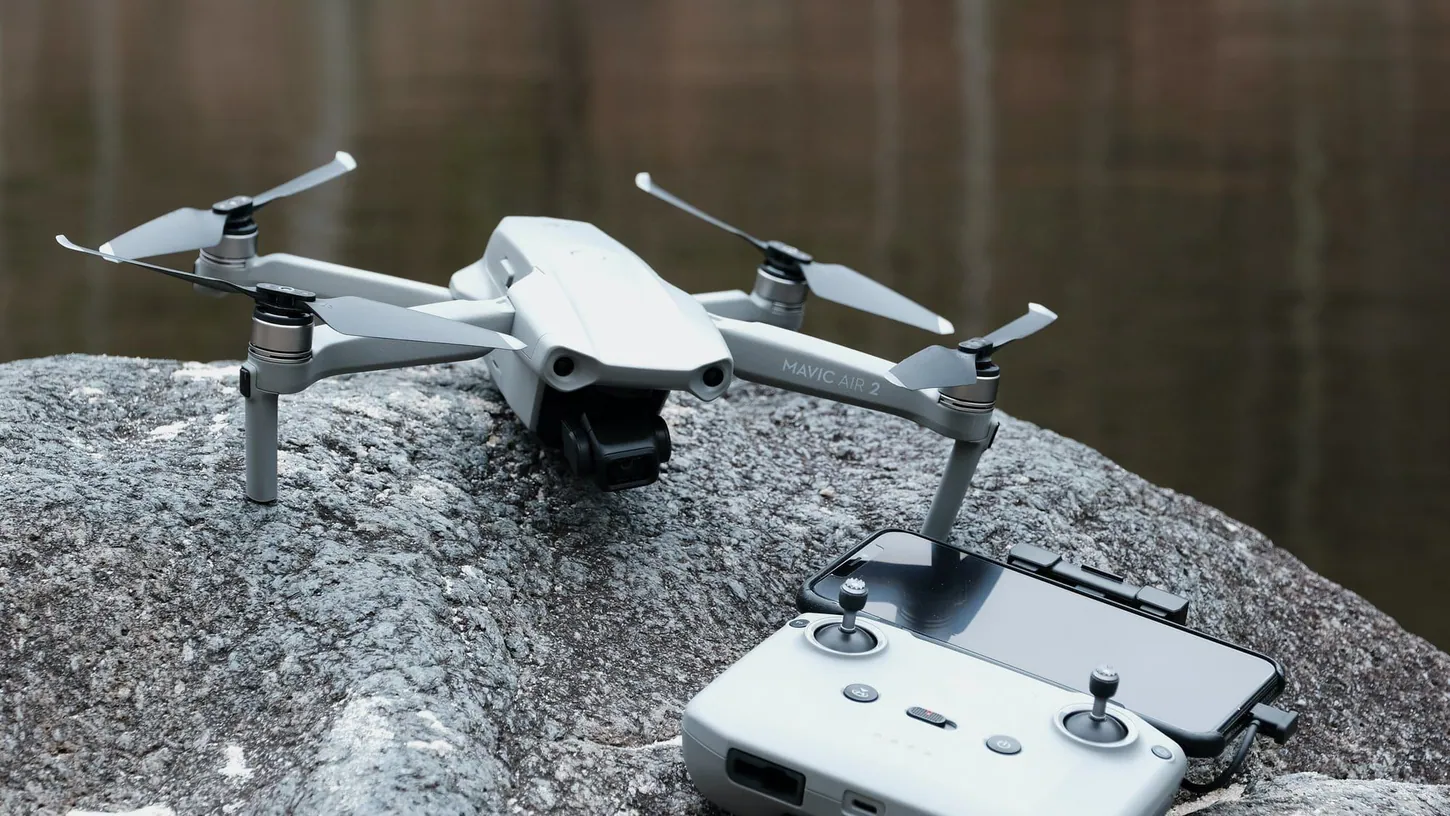
DJI's Oct. 20 firmware moves the Mavic Air 2 to v01.01.18.00 and the Air 2S to v02.04.28.00, their first updates since 2023 and 2024.
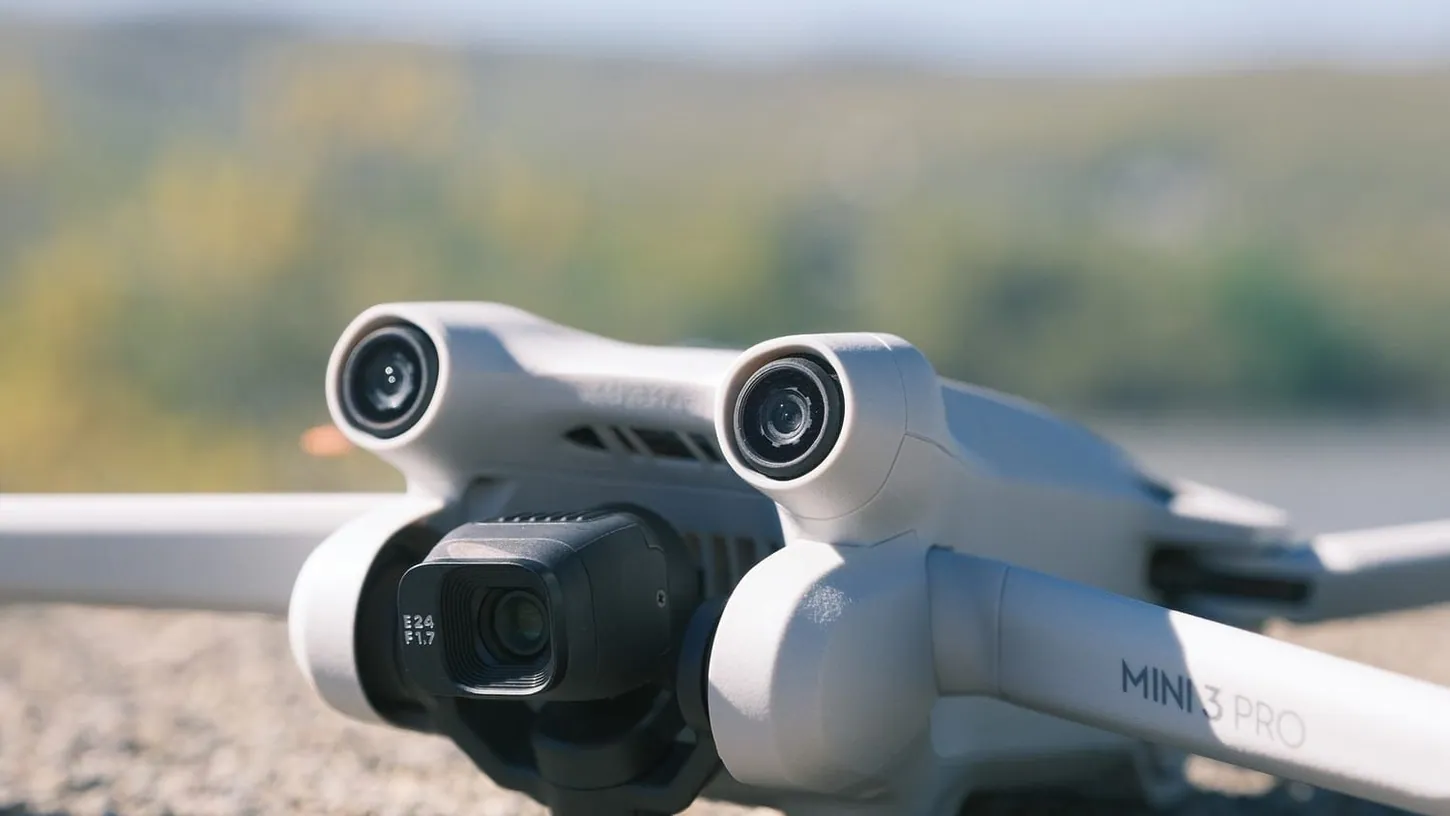
DJI Mini 3 Pro firmware v01.00.1000 is its first since July 2024 and only fixes 'known issues.' Its last new feature shipped in April 2023.
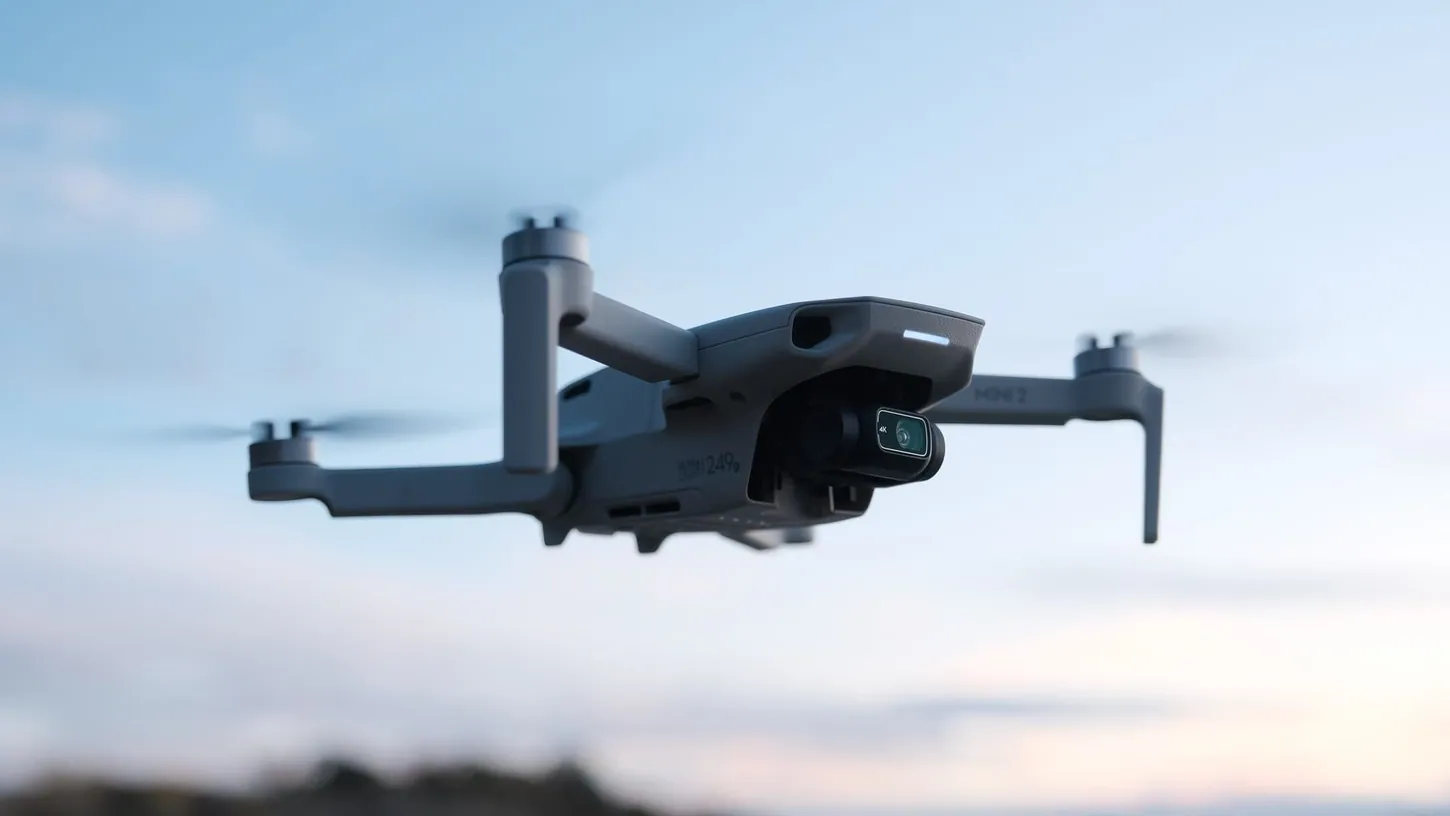
DJI shipped Mini 2 firmware v01.07.0300 on October 20, its first since March 2023. An FCC waiver lets US owners get it, and lasts until at least 2029.

Good day folks, Shawn here from Air Photography. This is my beginner’s guide for the brand new Lito drone from DJI — both the standard Lito and the Lito X1. When new drones like this get released, I like to create beginner’s guides for those who are brand new to drones to help get them…

Let’s get one thing out of the way immediately: the DJI Flip is not a pretty drone. It looks like someone strapped a camera to a tiny bicycle and called it a day. I’ve stared at it from multiple angles hoping it would grow on me, and it hasn’t. But here’s the thing — it…

Good day, folks. Shawn here from Air Photography. In today’s video, we’re taking a look at the DJI simulator that’s built right into the DJI Fly app. The reason I’m making this video is that the other day I got an email from a viewer asking if I could recommend a good simulator. They had…
Use the simulator built into DJI's app. It is free, it is already installed, and it is the best way to make your early mistakes somewhere they cost nothing.
Far fewer than the menus suggest, and the defaults are conservative. The settings that change your footage most are the ones controlling exposure and colour profile, not the ones people usually go hunting for.
Through the app, and it is more straightforward than it looks once you know the path — though the workflow differs between drone and camera products, which is where most confusion comes from.
One email with the drone news that matters — DJI, FAA, public safety, and everything in between, straight from the newsroom. No spam, no fluff.